
Start with your key visual
Use an existing product scene as the visual starting point for your video.
Start from an approved product image and describe your camera direction. Create short commerce videos for product pages and social campaigns without rebuilding your visual concept.
Add a reference to start your first project
Explore examples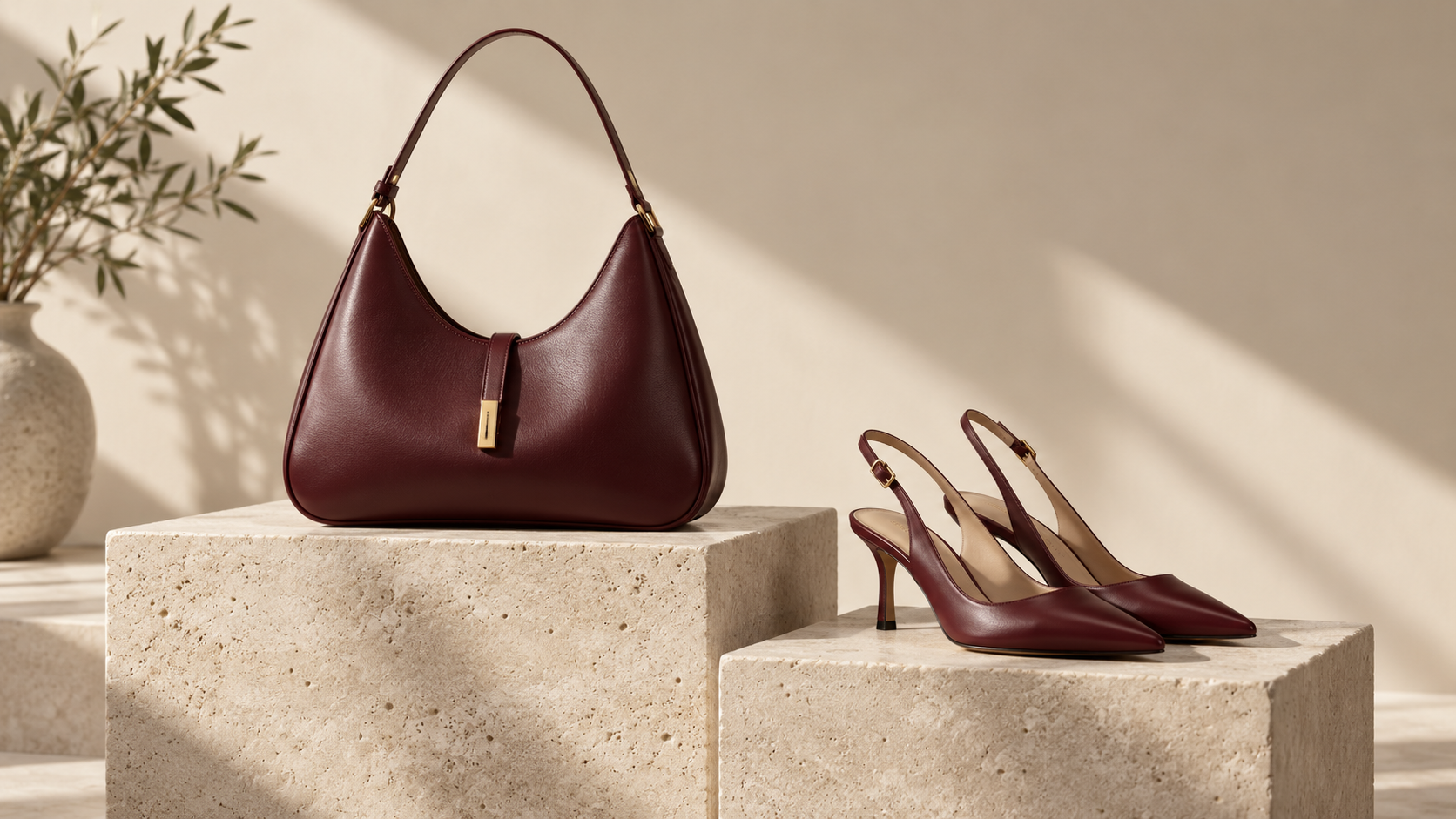
Start with your product references
Direct with a natural-language brief
Keep results together in one project
01 / VISUAL EXAMPLES
A storyboard example, not a playable video. Describe a slow reveal, a detail push-in, or a closing product shot in your video brief.
SHOT 01
Establish the scene with a clear product focus.
SHOT 02
A slow push-in brings material and shape into focus.
SHOT 03
Return to the key visual with room for final copy.
Still images illustrate creative directions, not consecutive video frames. Actual motion depends on the generated result.
02 / CREATIVE POSSIBILITIES
Use an existing product scene as the visual starting point for your video.
Set the camera movement, pace, and focus with a natural-language video brief.
Review the generated clip alongside its source image and continue from the same project.
Upload or generate a clean image with a clear focal product.
Select the image's video action and specify motion and output settings.
Check product details and motion in the final clip before publishing.
04 / FAQ
About references, generated results, and getting started.
No. Start with a selected image and a description of the motion you want.
Available duration, resolution, and aspect ratios depend on the selected video model. Check the options in the studio before generating.
Generated text can be inaccurate. Add final captions, prices, and brand messages during editing after reviewing the clip.
Pick an approved product or on-model image, describe the camera movement and pacing, and generate a short video from it. The video stays linked to its source image in the same project.
Vertical 9:16 is the default for commerce video. Check each platform's current length and size rules before publishing.
Images, videos, and 3D use credits. Check the studio's estimated credit cost and pricing before starting a generation.
YOUR NEXT CREATION
Bring your references into WearStage and turn your creative direction into visuals you can review and refine.