
Style the whole outfit
Combine clothing, shoes, and accessories in a cohesive on-model composition.
Turn product references into on-model images. Explore styling, poses, and backgrounds in one studio, from your first look to a complete collection.
Add a reference to start your first project
Explore examples
Start with your product references
Direct with a natural-language brief
Keep results together in one project
01 / VISUAL EXAMPLES
Explore illustrative styling examples. Start with clear product references, then choose the model and setting for your next launch.
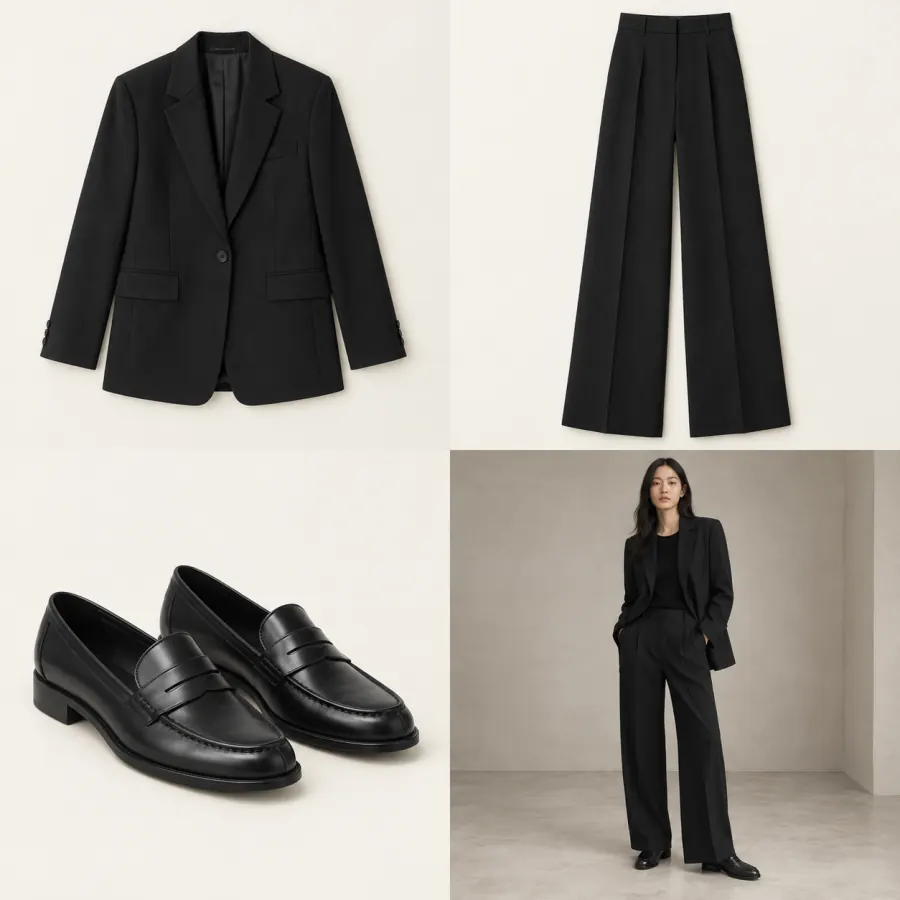
Clean lines. Effortless presence.
3 pieces · 1 look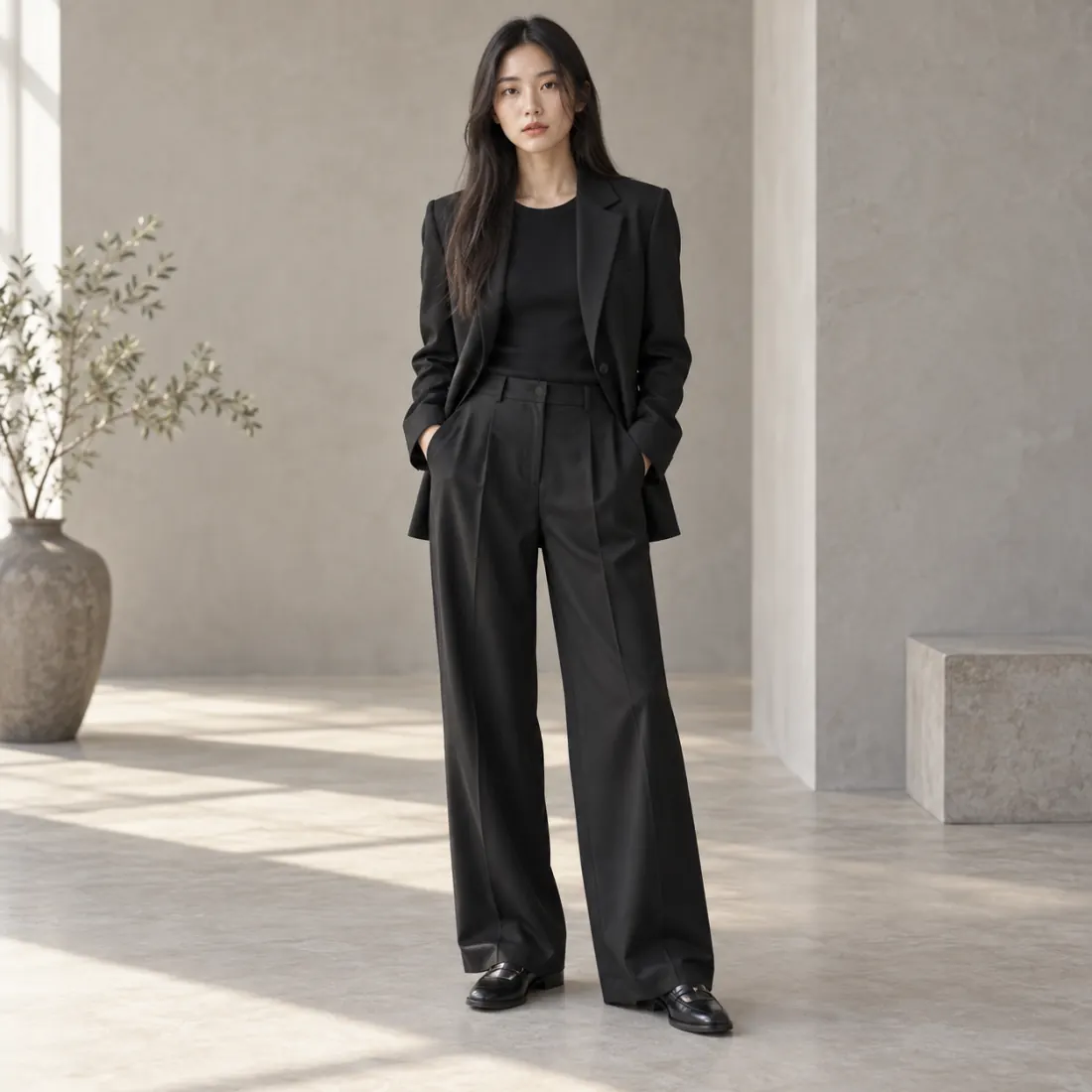
02 / THE LOOK
From pieces to a complete look
02 / CREATIVE POSSIBILITIES
Combine clothing, shoes, and accessories in a cohesive on-model composition.
Describe the pose, lighting, and background to explore catalog and editorial directions.
Compare new variations in your project while keeping the original references available.
Use clear images that show the silhouette, color, and material.
Specify the model, outfit, pose, and background you have in mind.
Review product details, refine the result, and export your selected image.
04 / FAQ
About references, generated results, and getting started.
Start with tops, trousers, dresses, or outerwear. Shoes, bags, and jewelry can be included in a styling brief.
AI output can vary. Clear reference images help, but check logos, prints, seams, and fit before publishing.
Yes. Open a selected image in your project and use the video action to describe the movement.
Upload clear product references—flat lay, ghost mannequin, or hanger shots—then describe the model, pose, and background. WearStage generates on-model images; check garment details against the source before publishing.
Yes. Results are most reliable when the garment is complete, evenly lit, and key details such as collars, prints, and closures are not folded or hidden.
Images, videos, and 3D use credits. Check the studio's estimated credit cost and pricing before starting a generation.
YOUR NEXT CREATION
Bring your references into WearStage and turn your creative direction into visuals you can review and refine.