WearStageAI

Product photos to on-model images.

Upload your clothing photos and describe the model, pose, and setting. AI brings the look to life.

No card requiredPrivate by defaultEnglish and Chinese

Send the flat lay. Get the model.

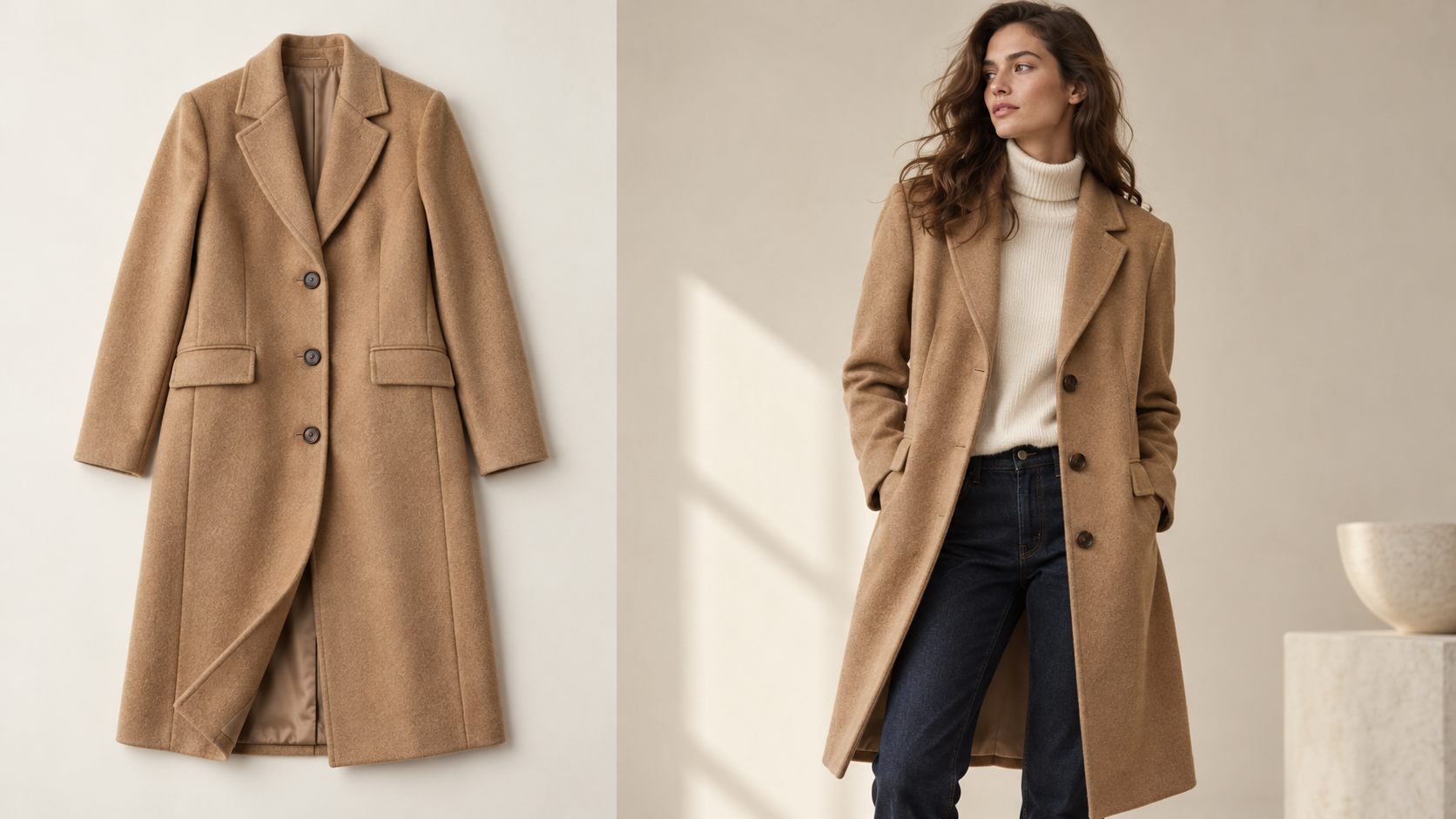
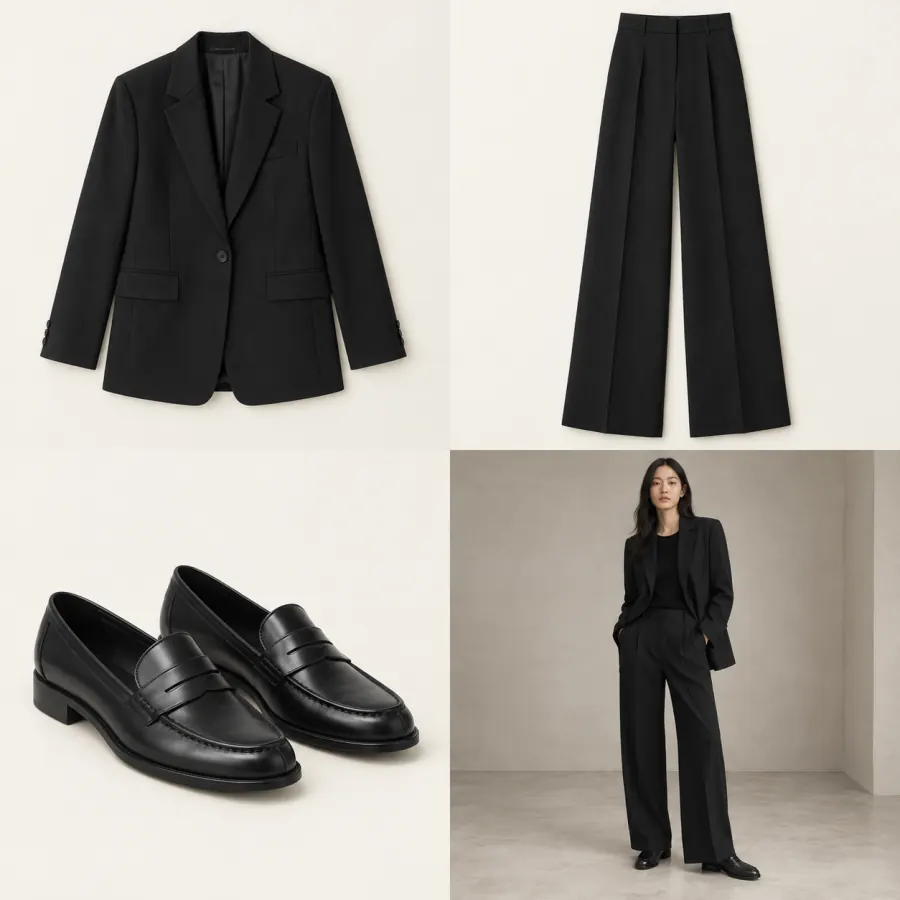
Upload a flat lay and get listing-ready on-model imagery, details intact.

The pieces01 / INPUT
Tailored blazer
Tailored blazer
Wide-leg trousers
Wide-leg trousers
Leather loafers
Leather loafers

Clean lines. Effortless presence.

3 pieces · 1 look
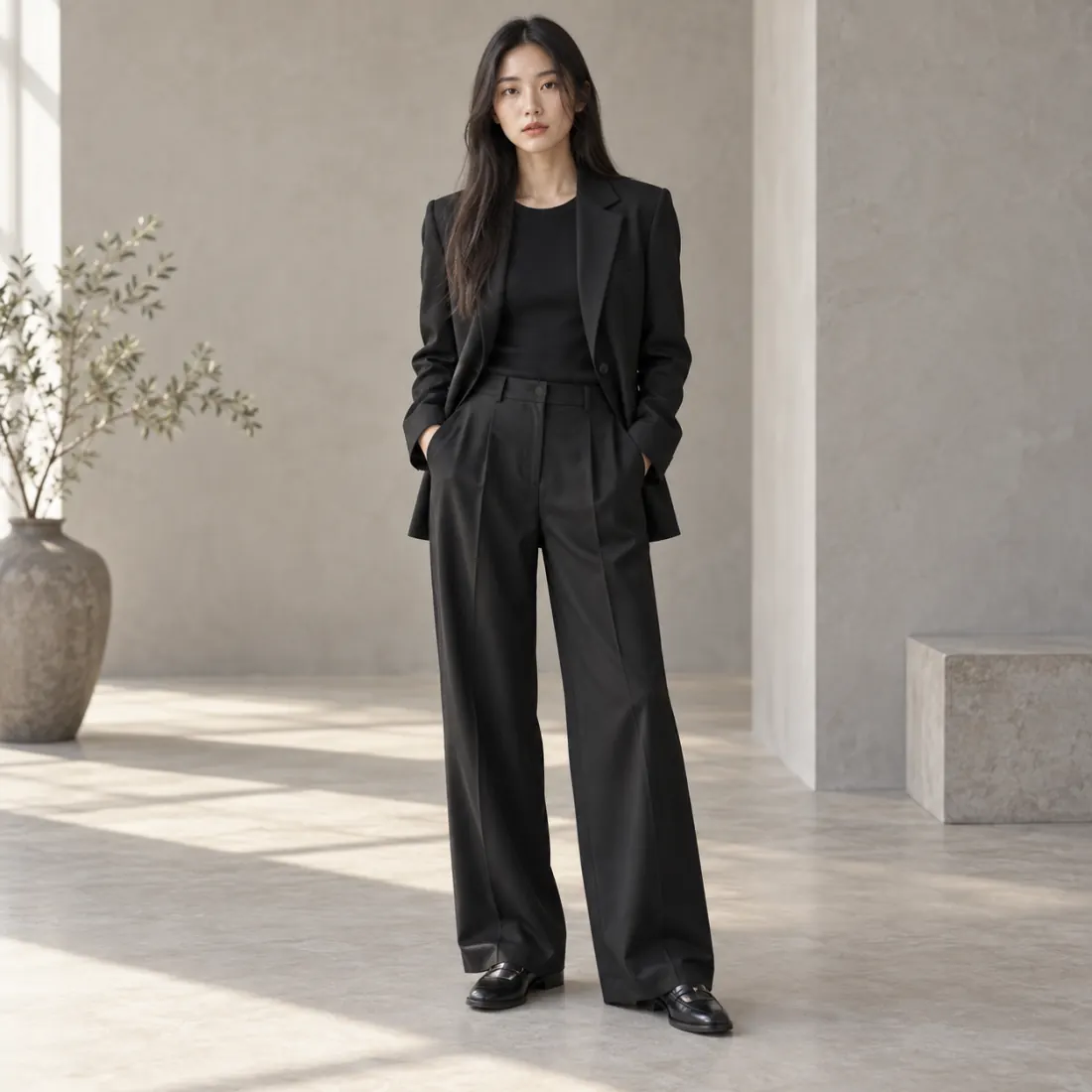
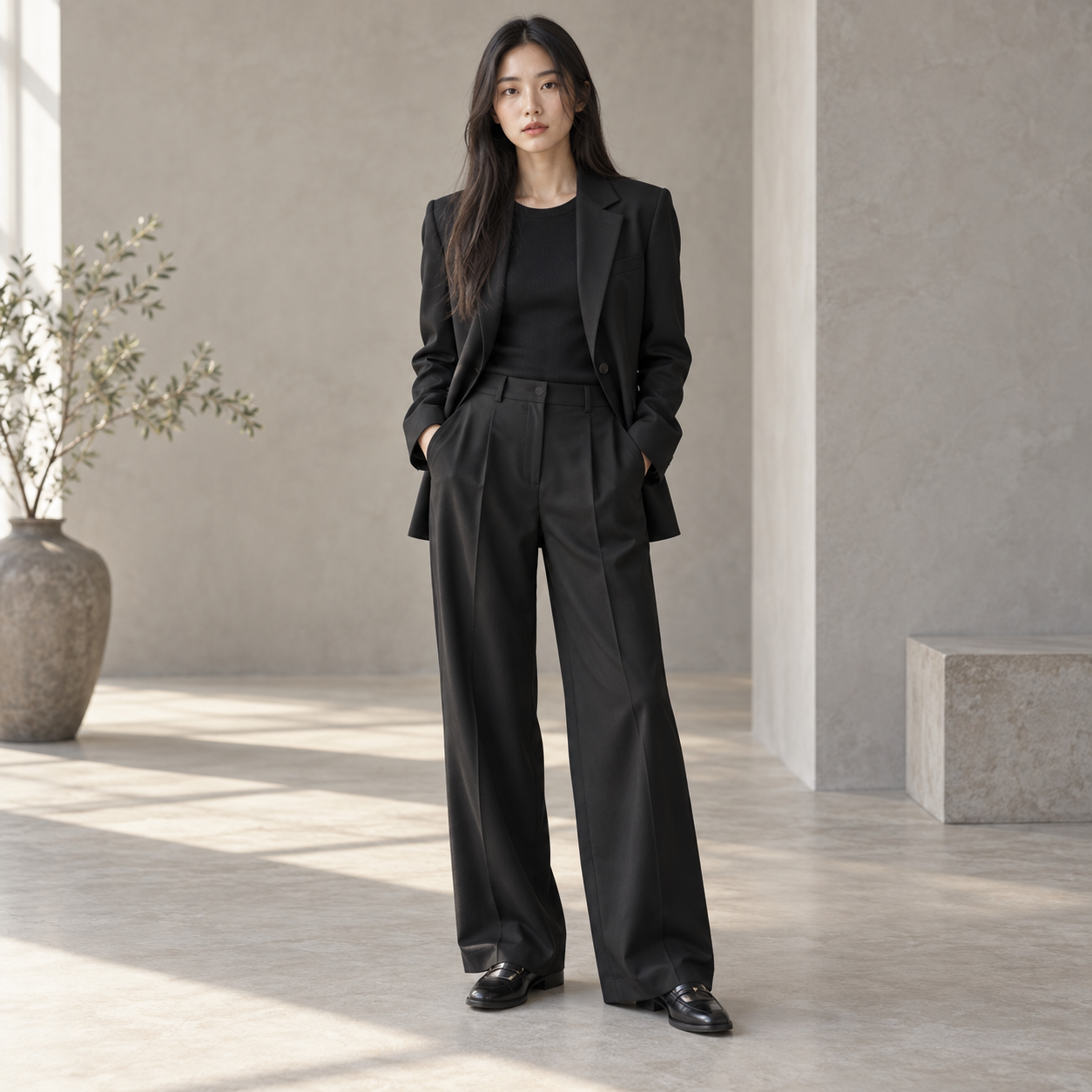
Model wearing the black blazer, wide-leg trousers and loafers

02 / THE LOOK

From pieces to a complete look

AI example

Reimagine photoshoots with AI models.

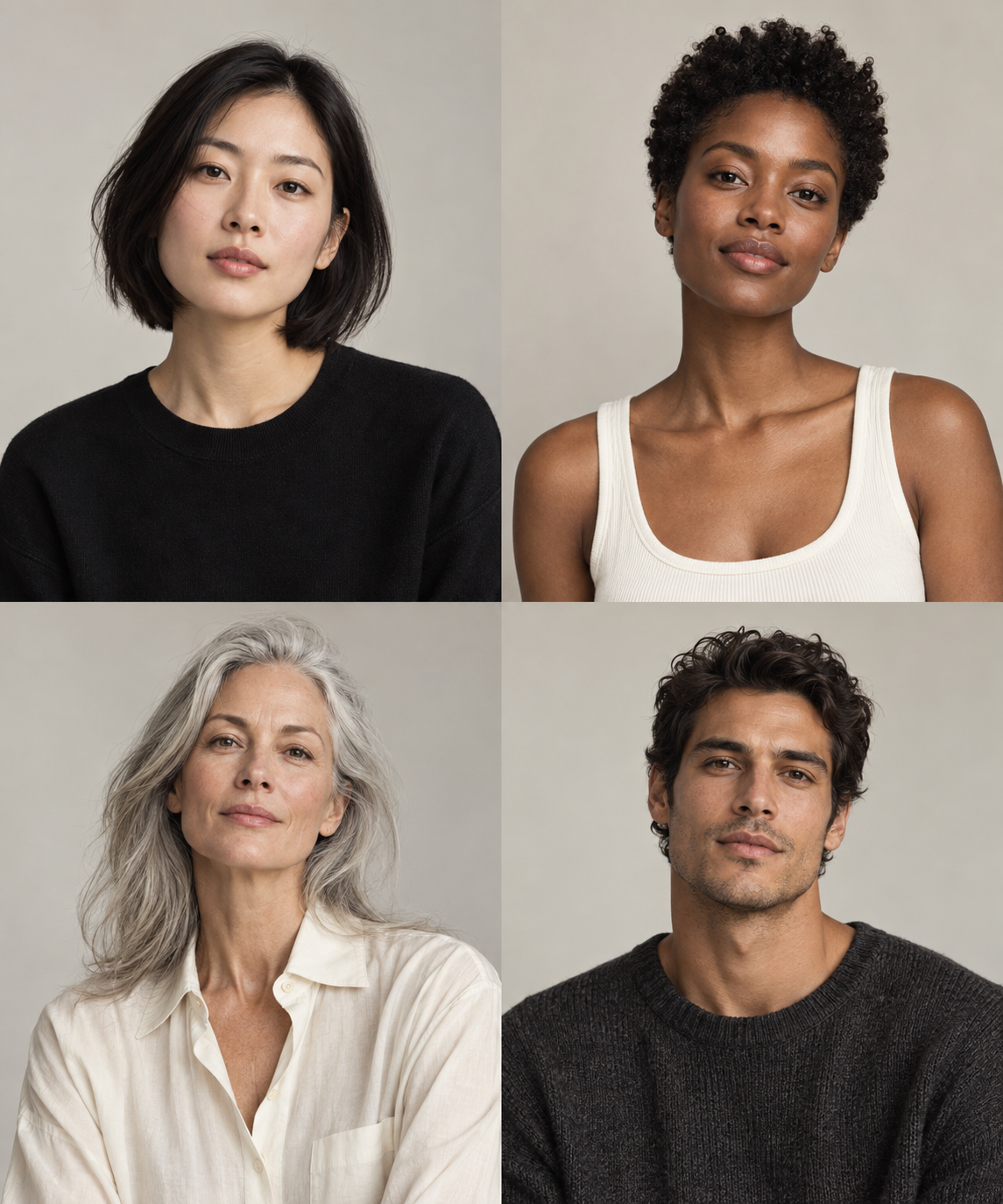
Inclusive by design

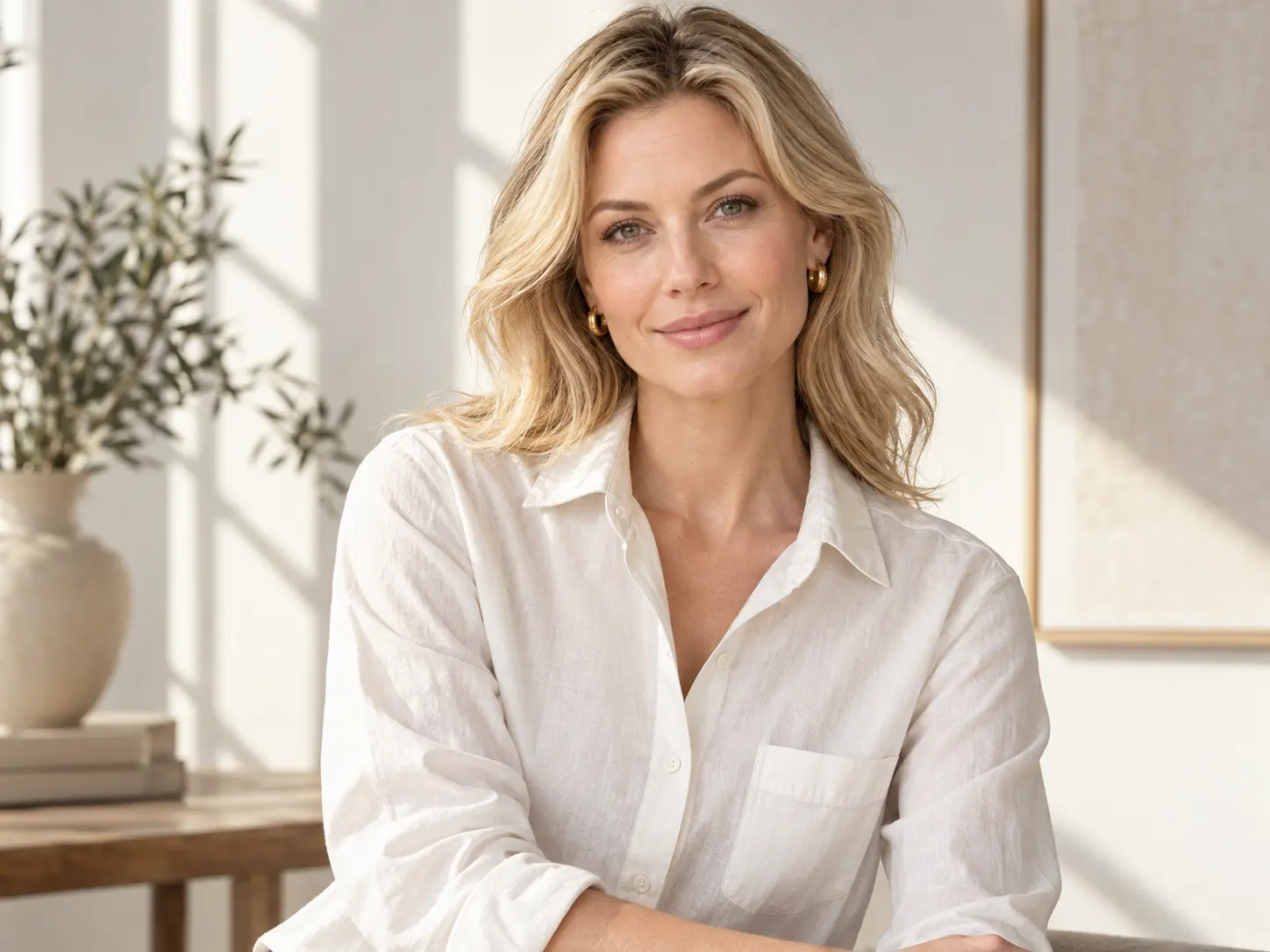
Showcase inclusivity with AI models diverse in tone, body, and style, so your visuals reflect real customers everywhere.

THE EDIT / 01AI storefront preview
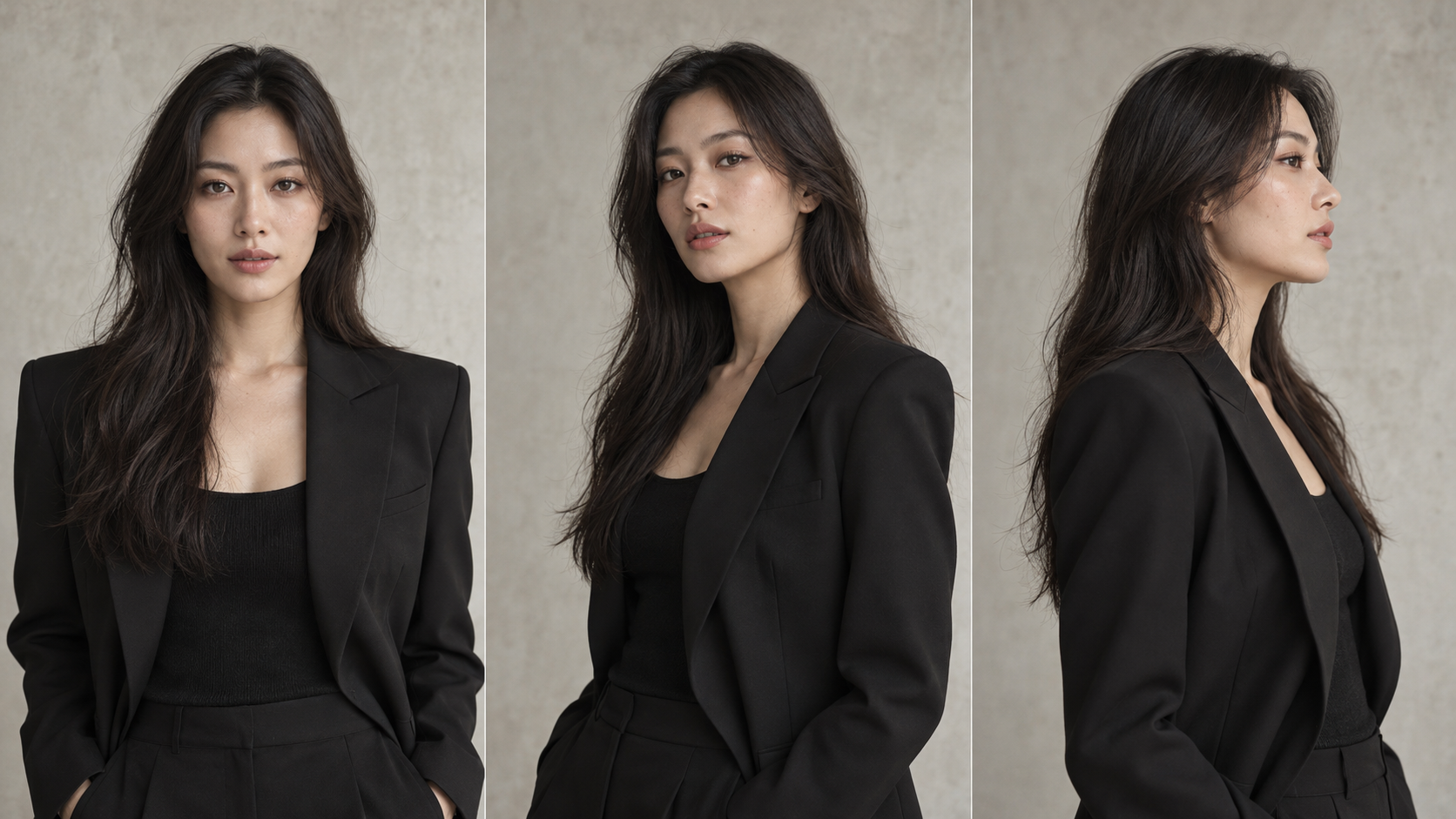
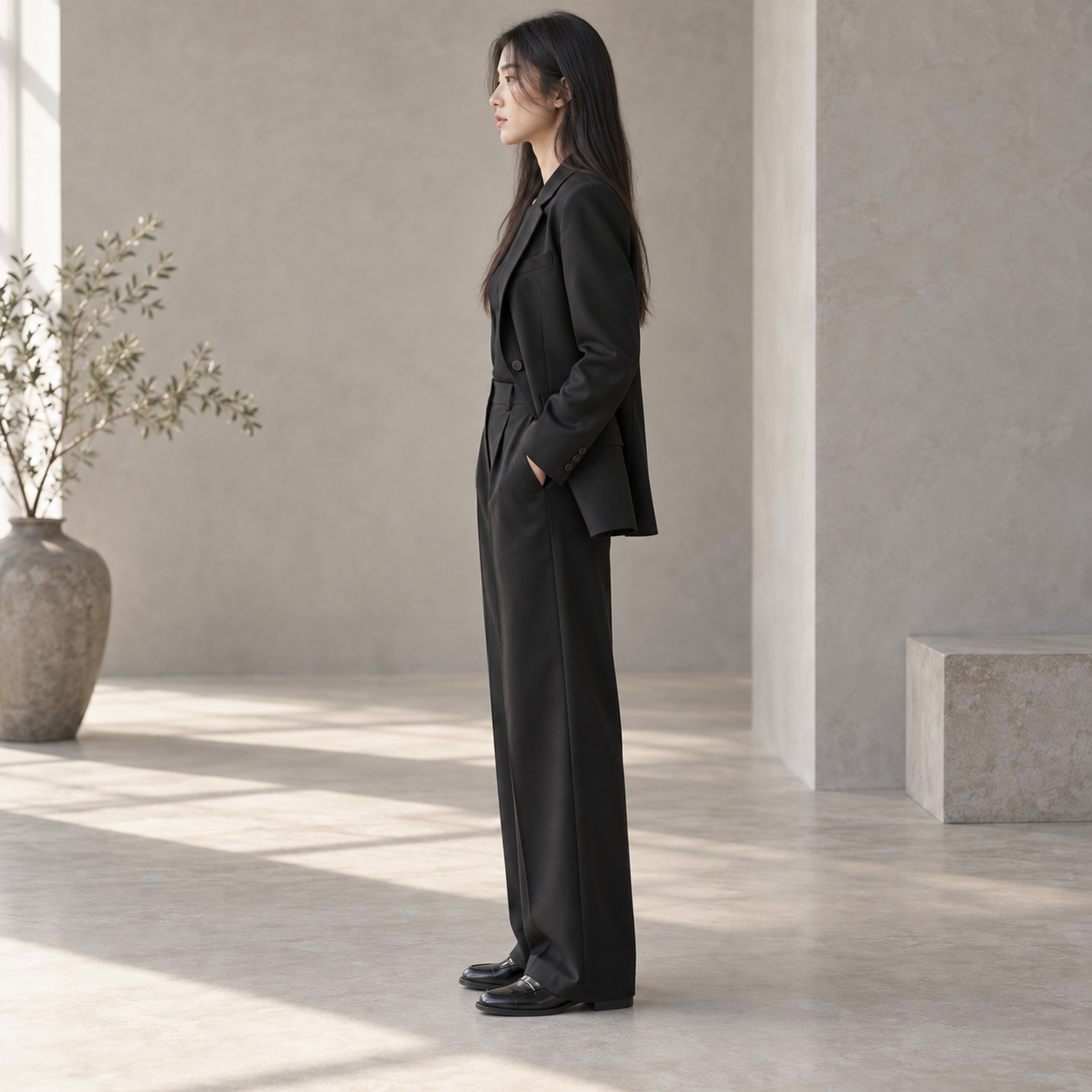
Black tailored suit · Front view

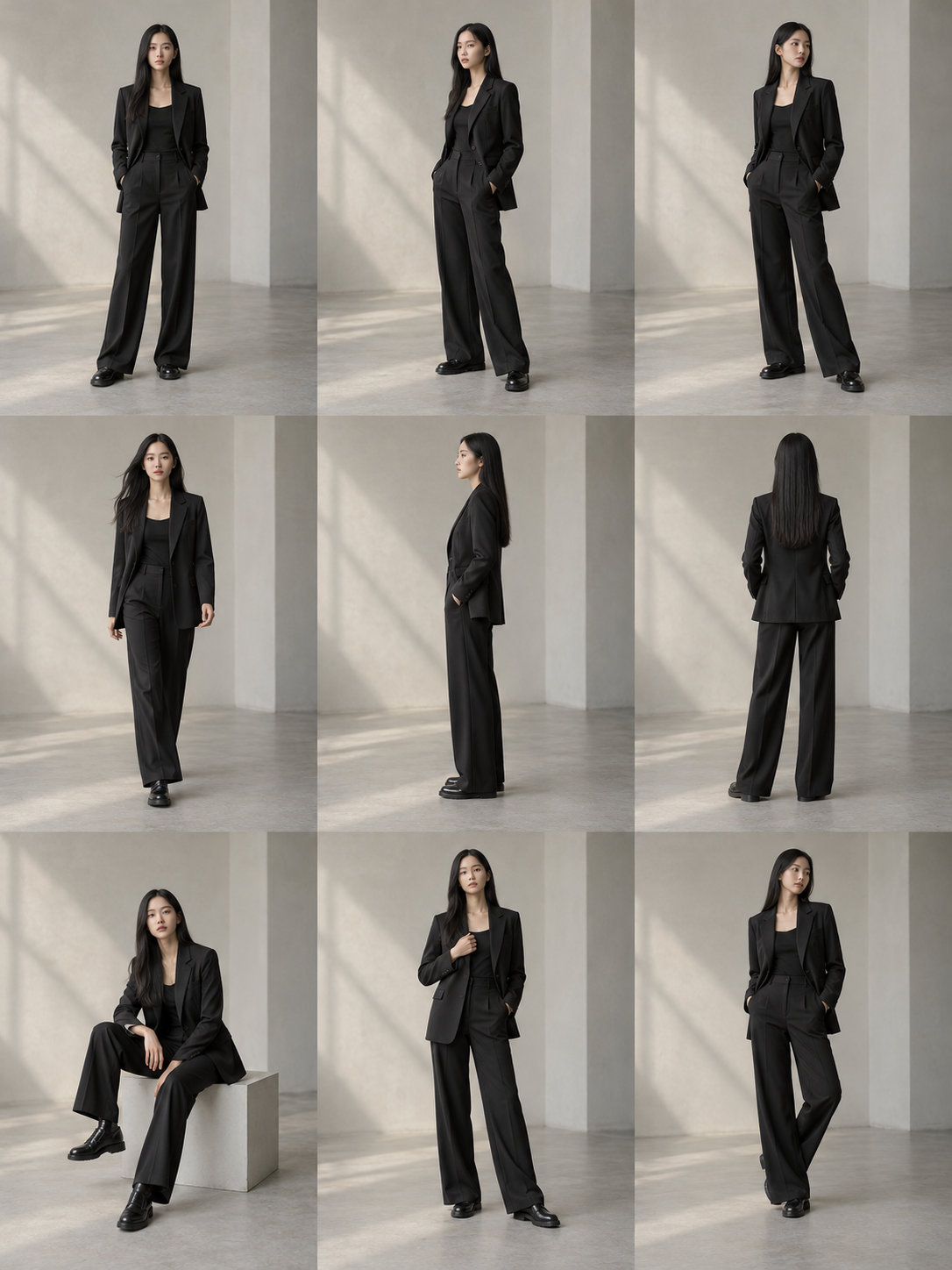
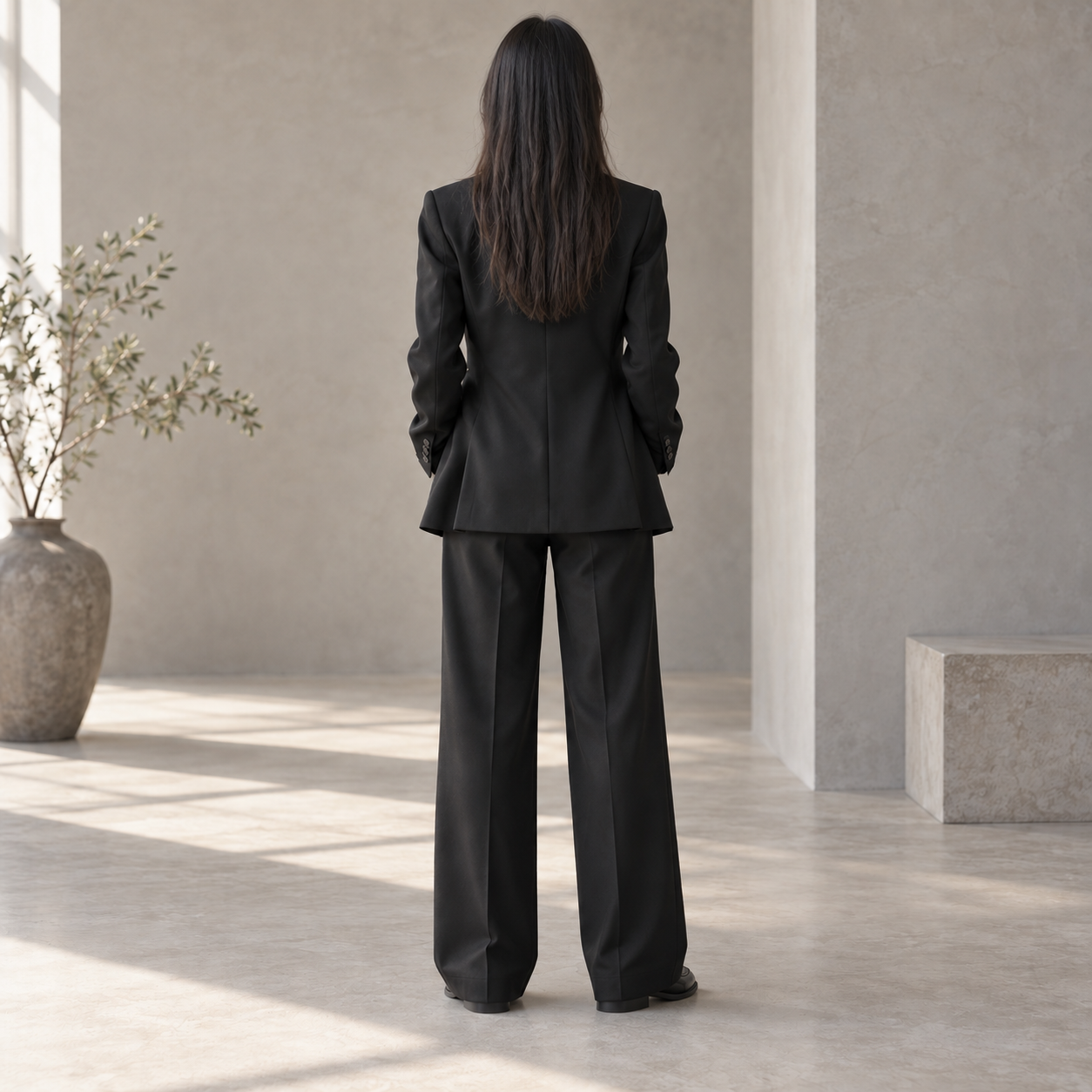
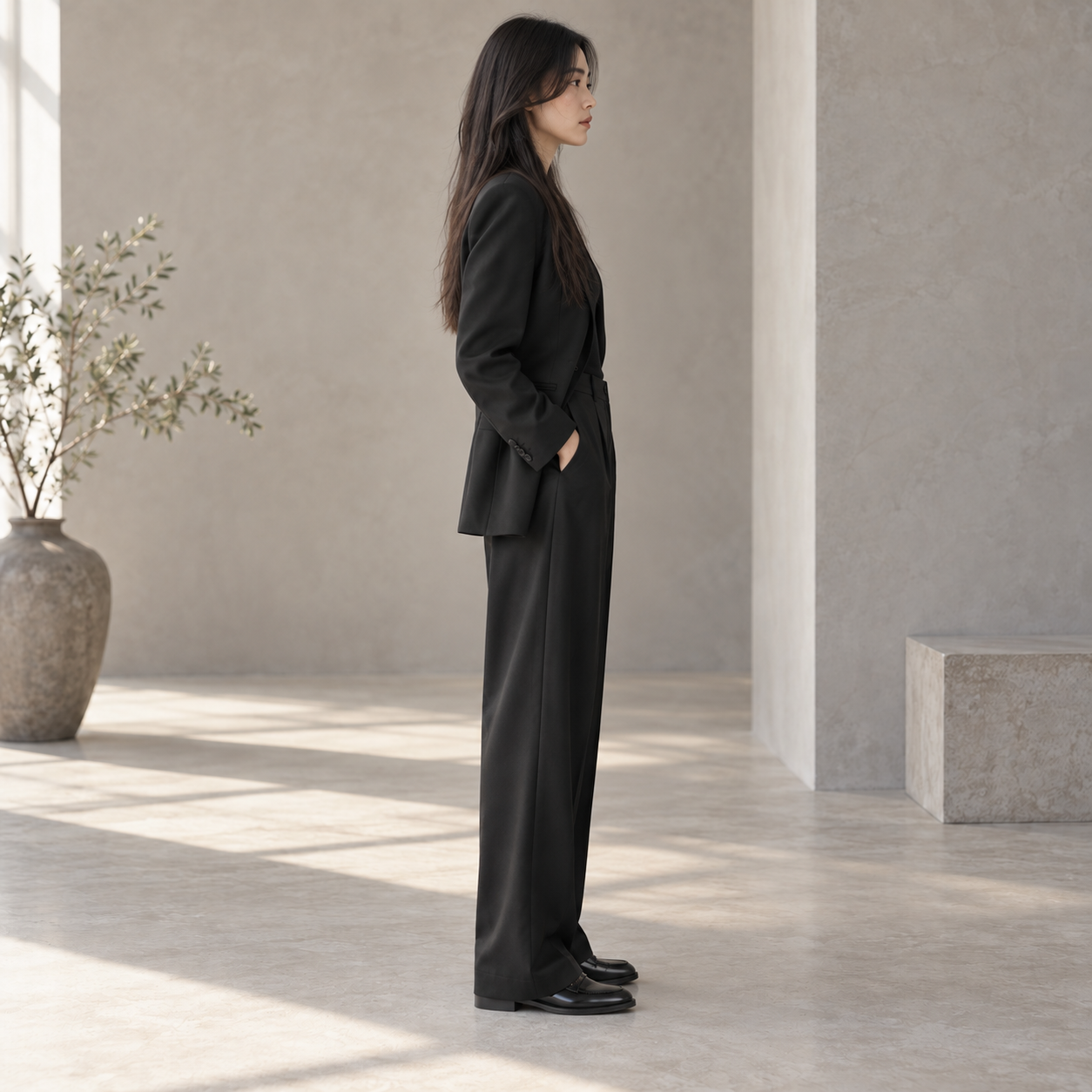
One outfit, multiple perspectives

STUDIO COLLECTION

The tailored suit

Clean lines. Natural drape.

Classic black

Available sizes

SML

Move faster. Launch smarter.

Accelerate production cycles and deliver new collections in days. Update looks and refresh images without sacrificing quality.

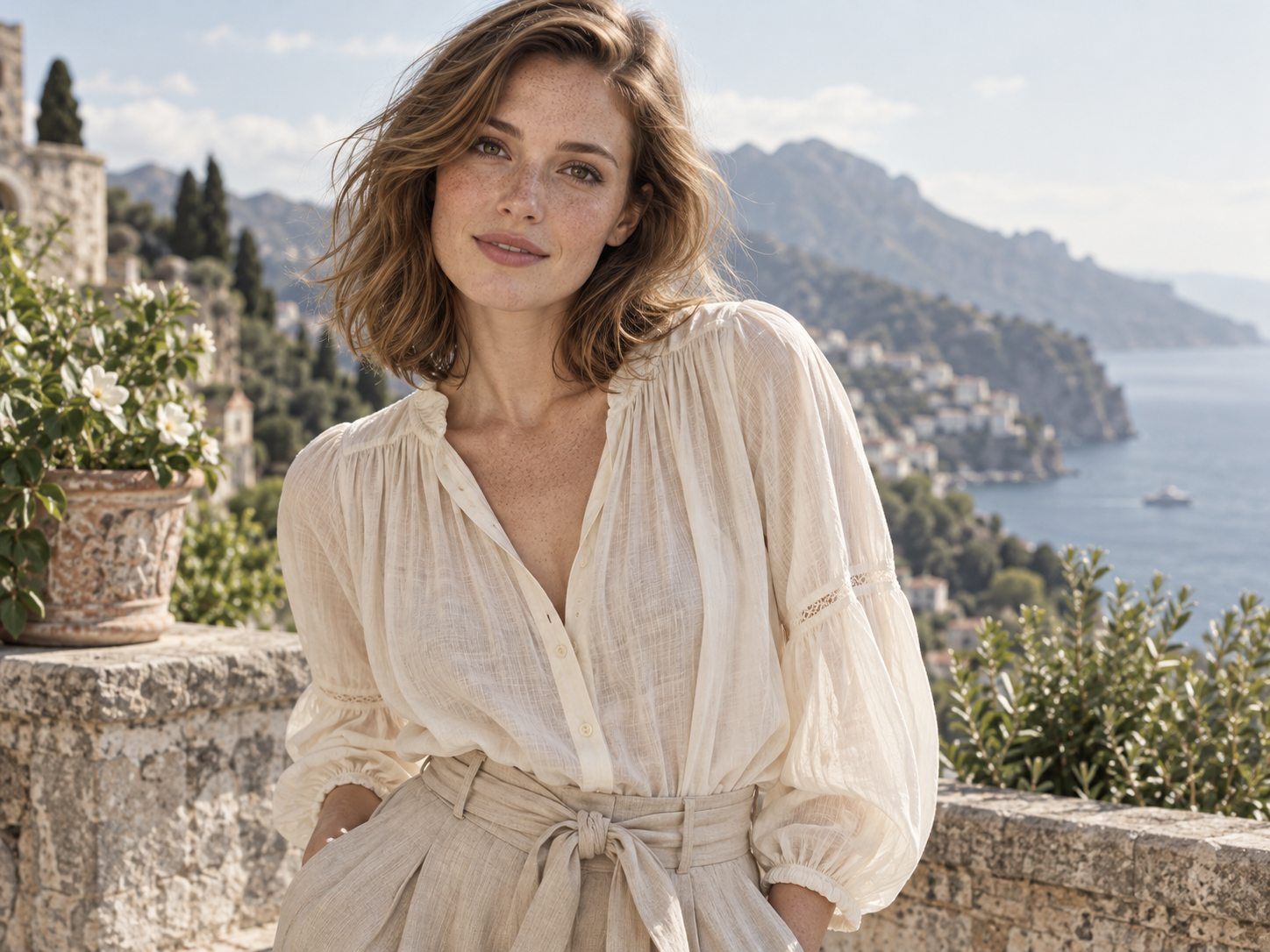
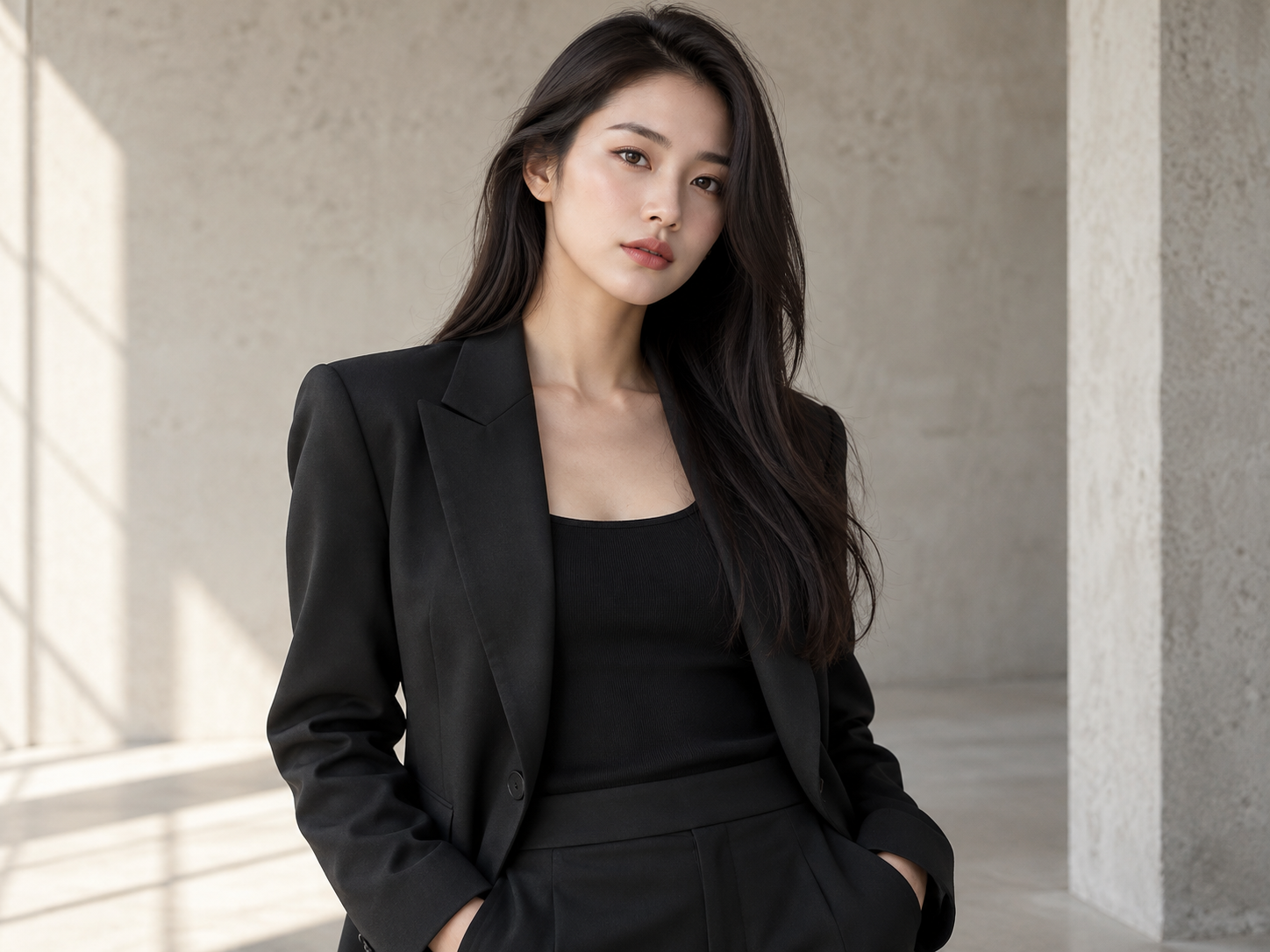
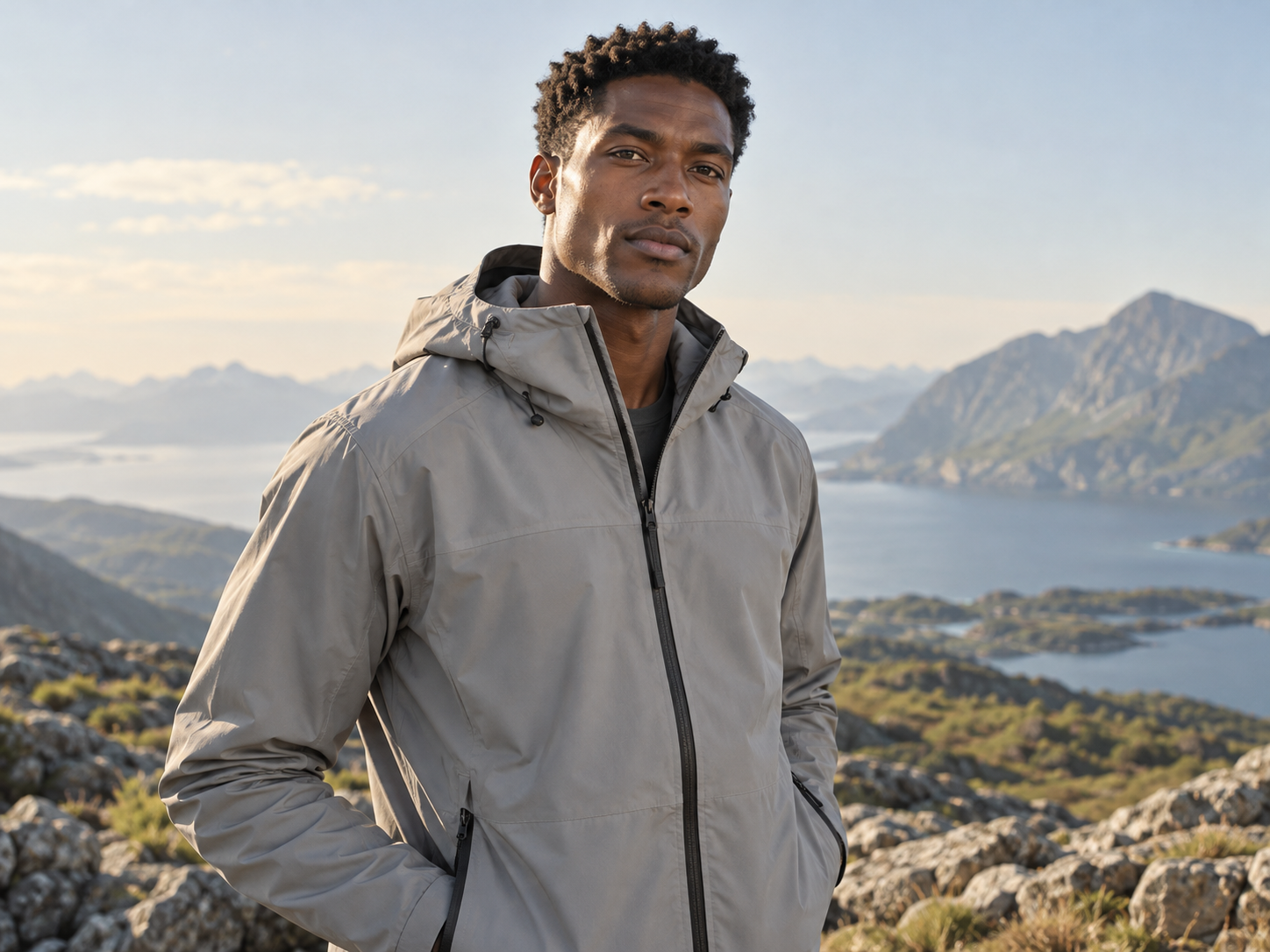
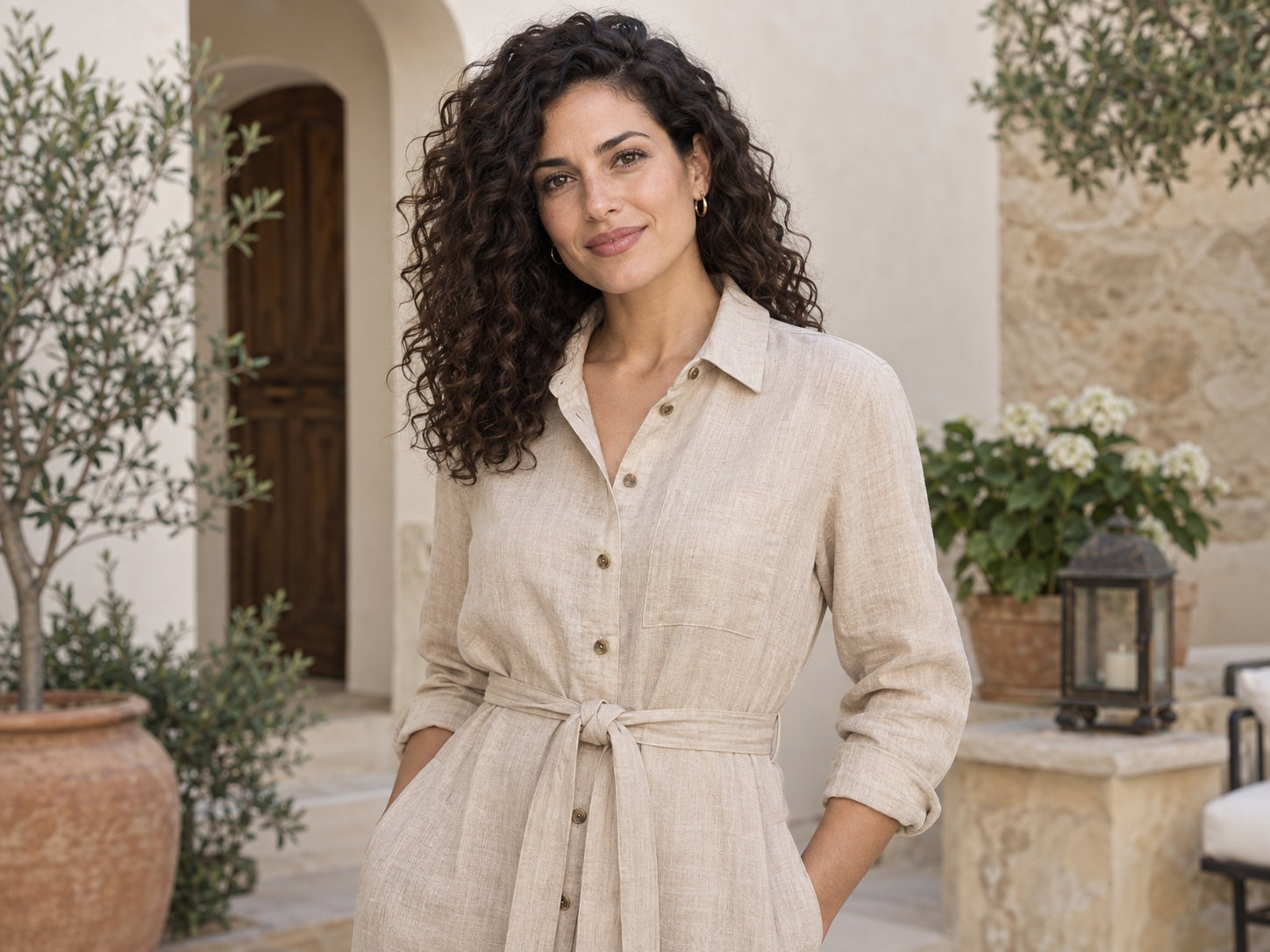
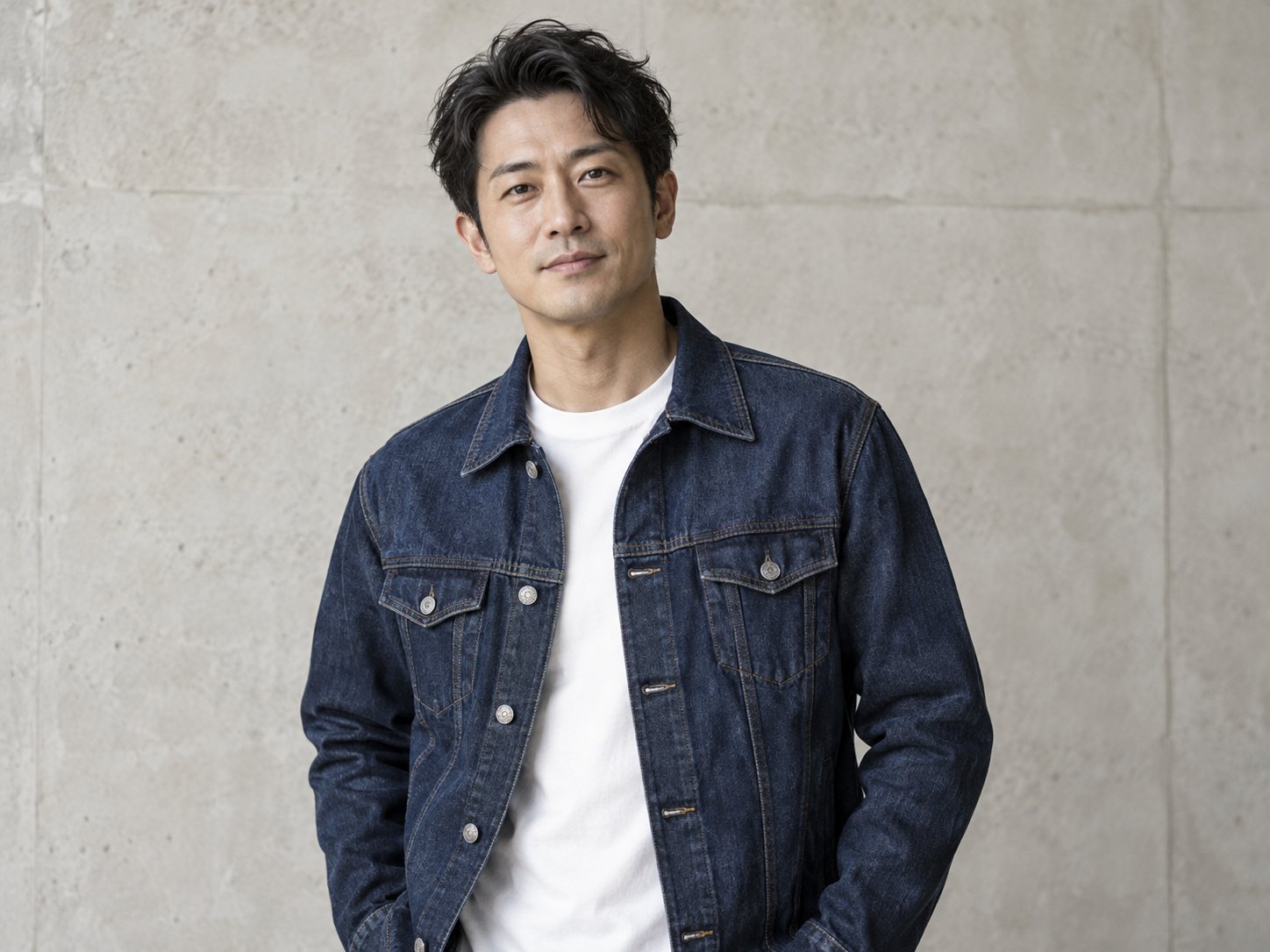
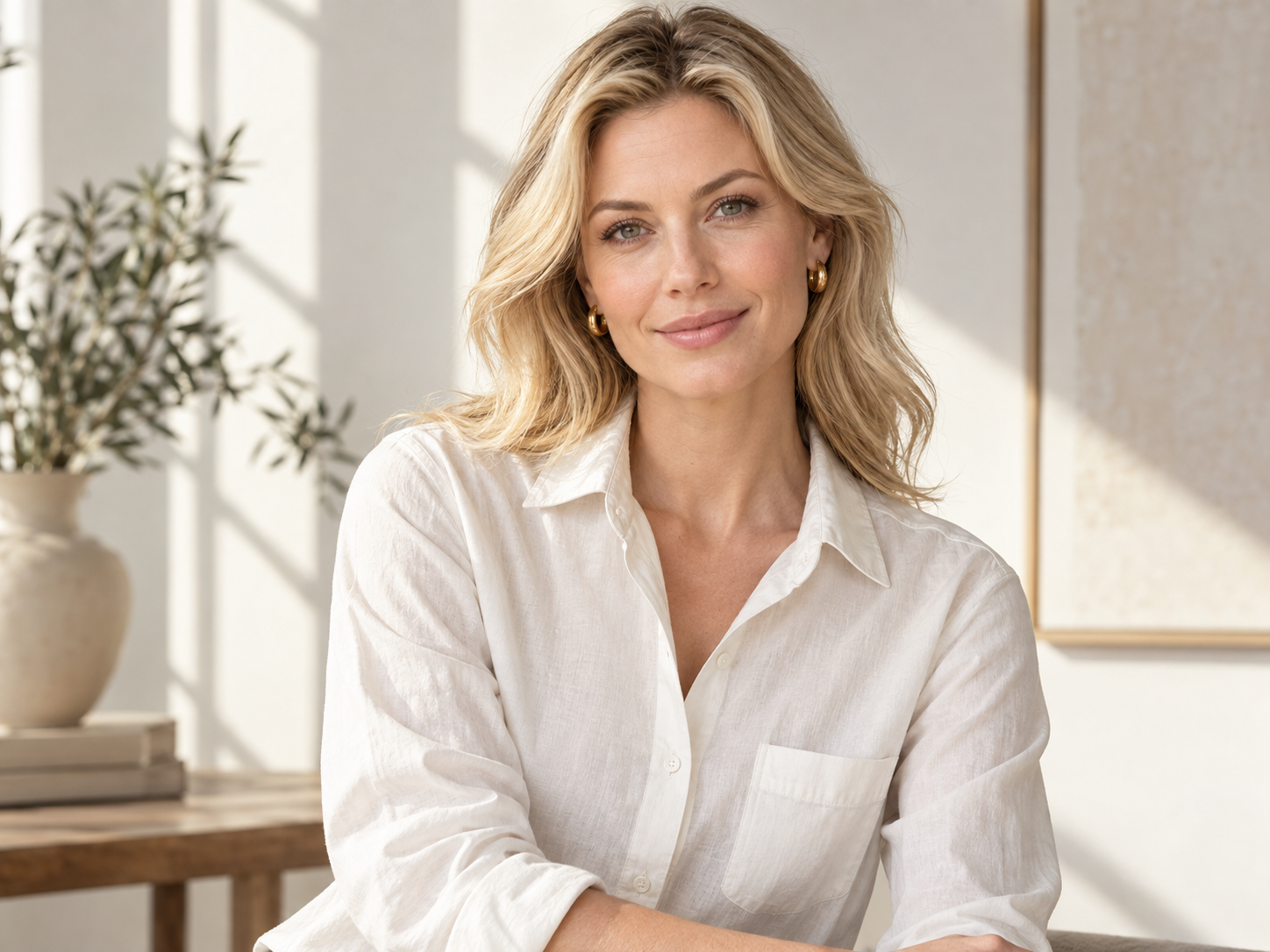
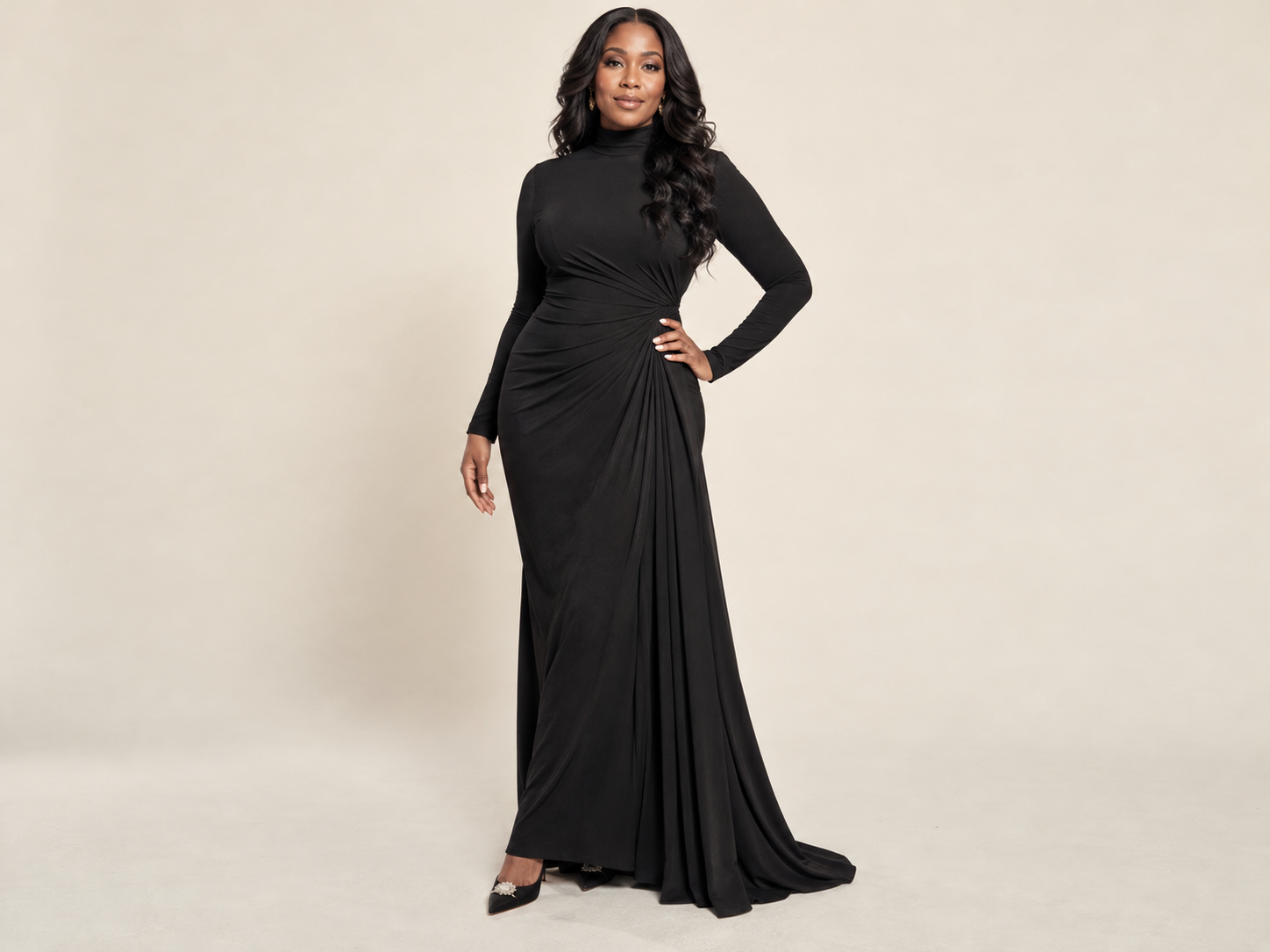
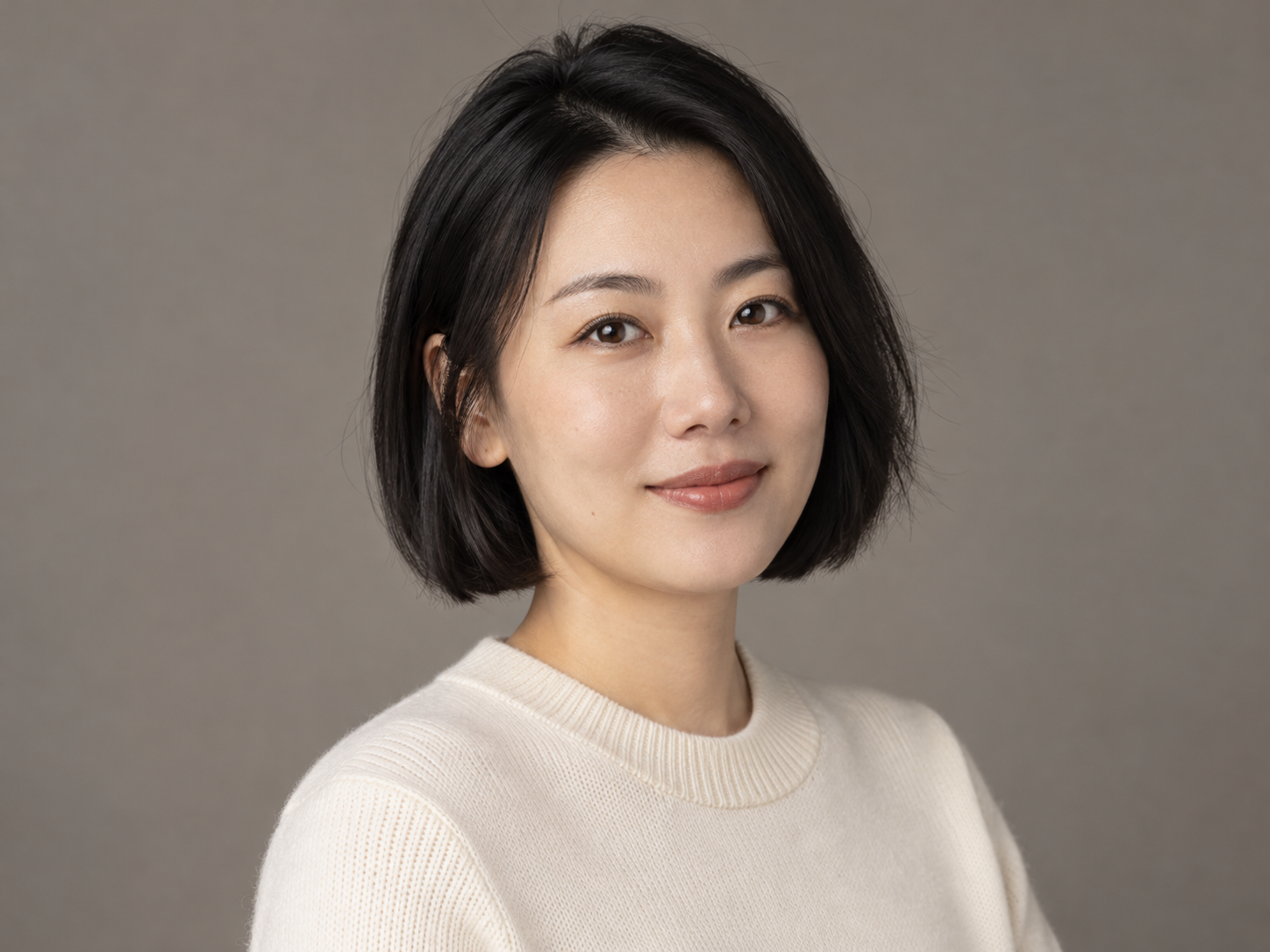
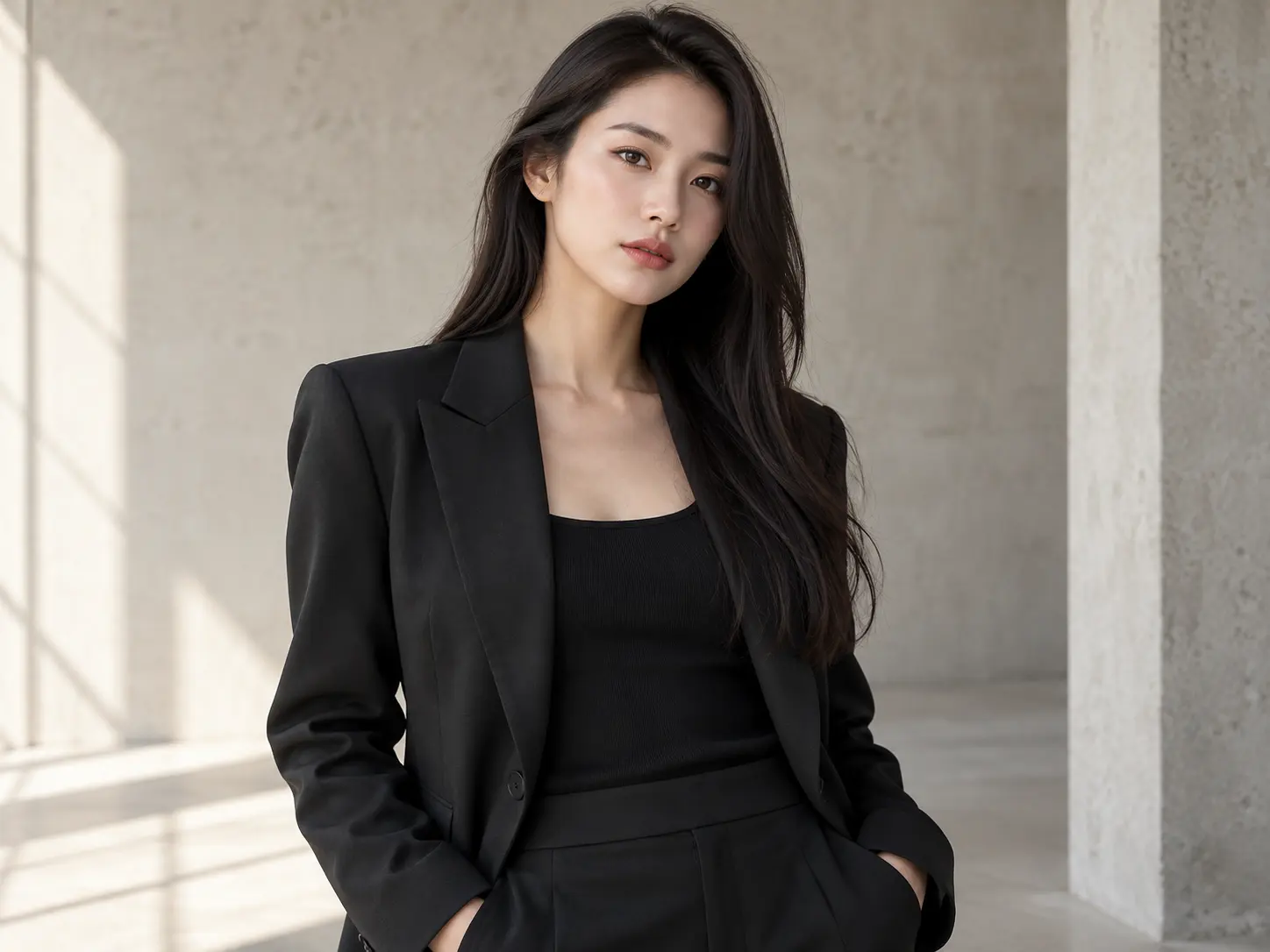
Model with a sleek dark bob
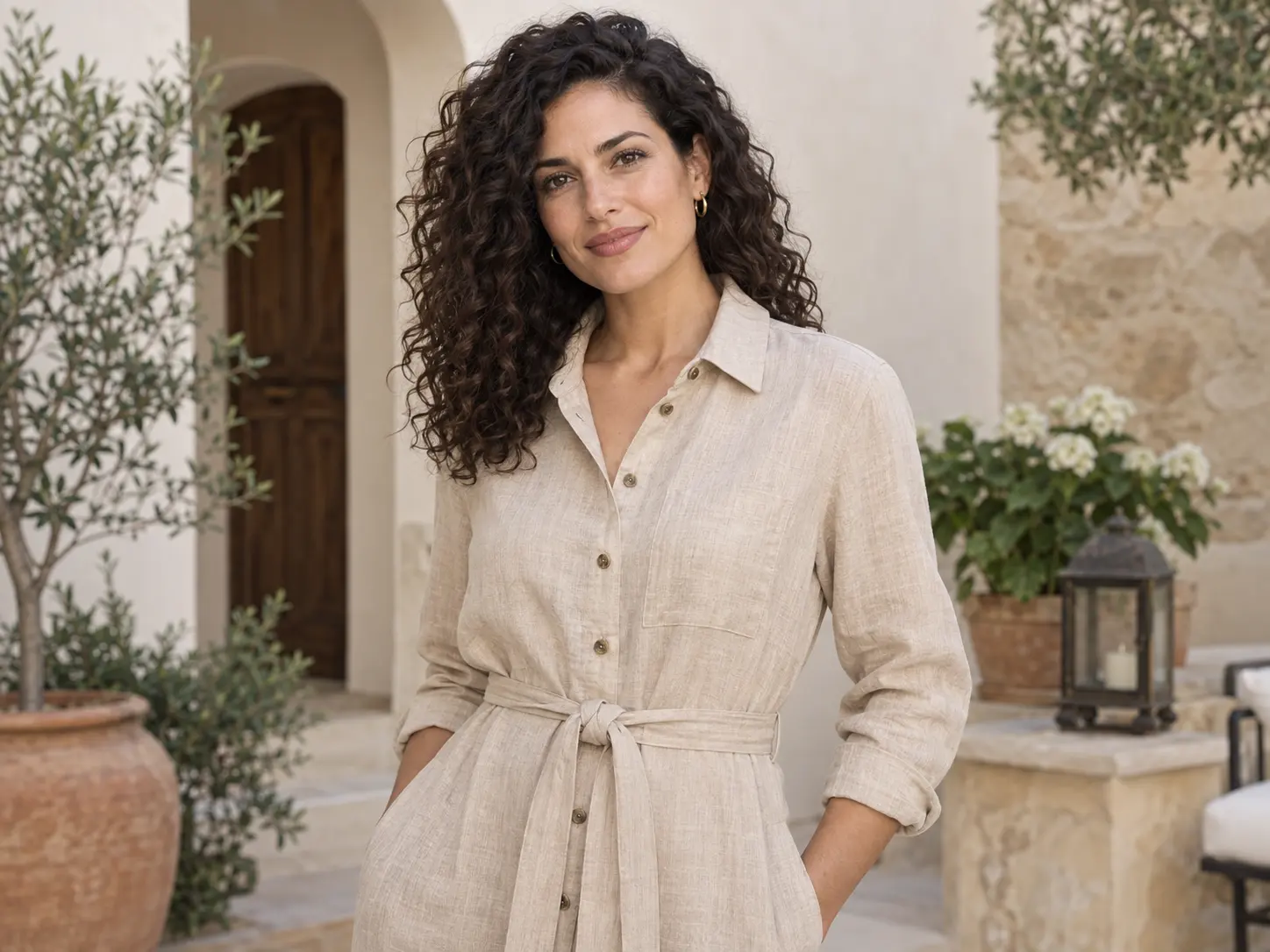
Model with natural curls
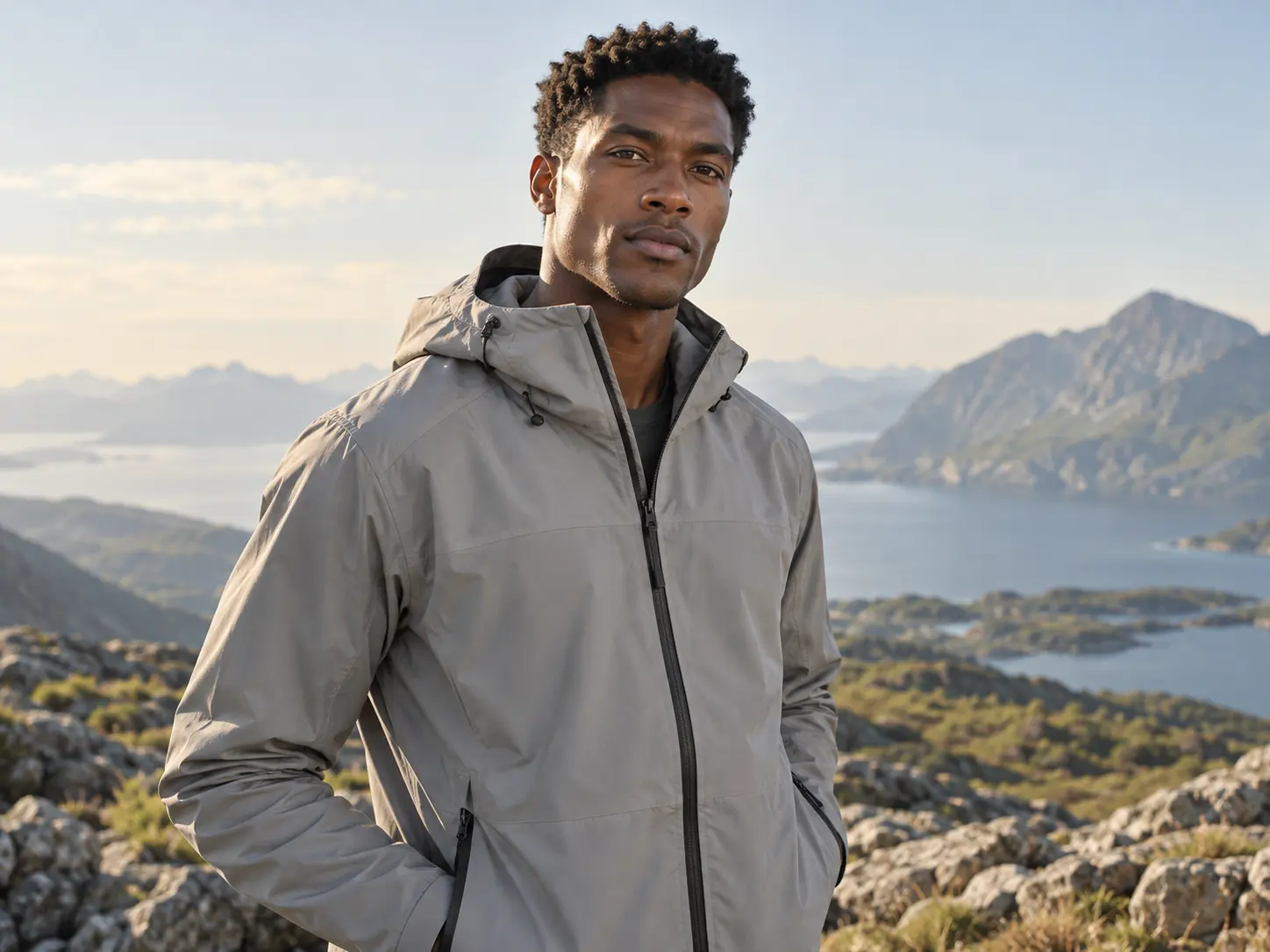
Silver-haired model
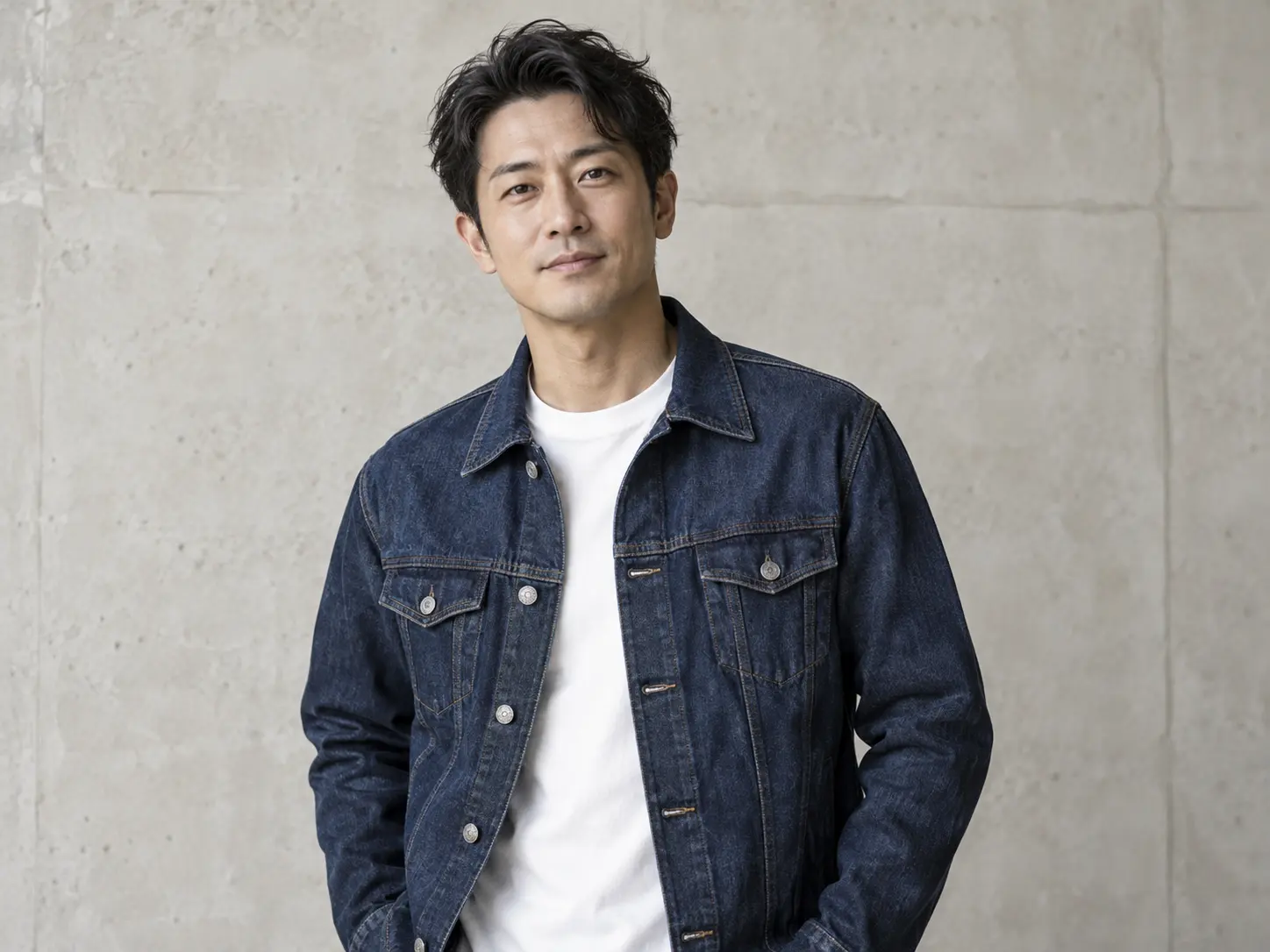
Model in charcoal knitwear
Front view
Left three-quarter view
Right three-quarter view
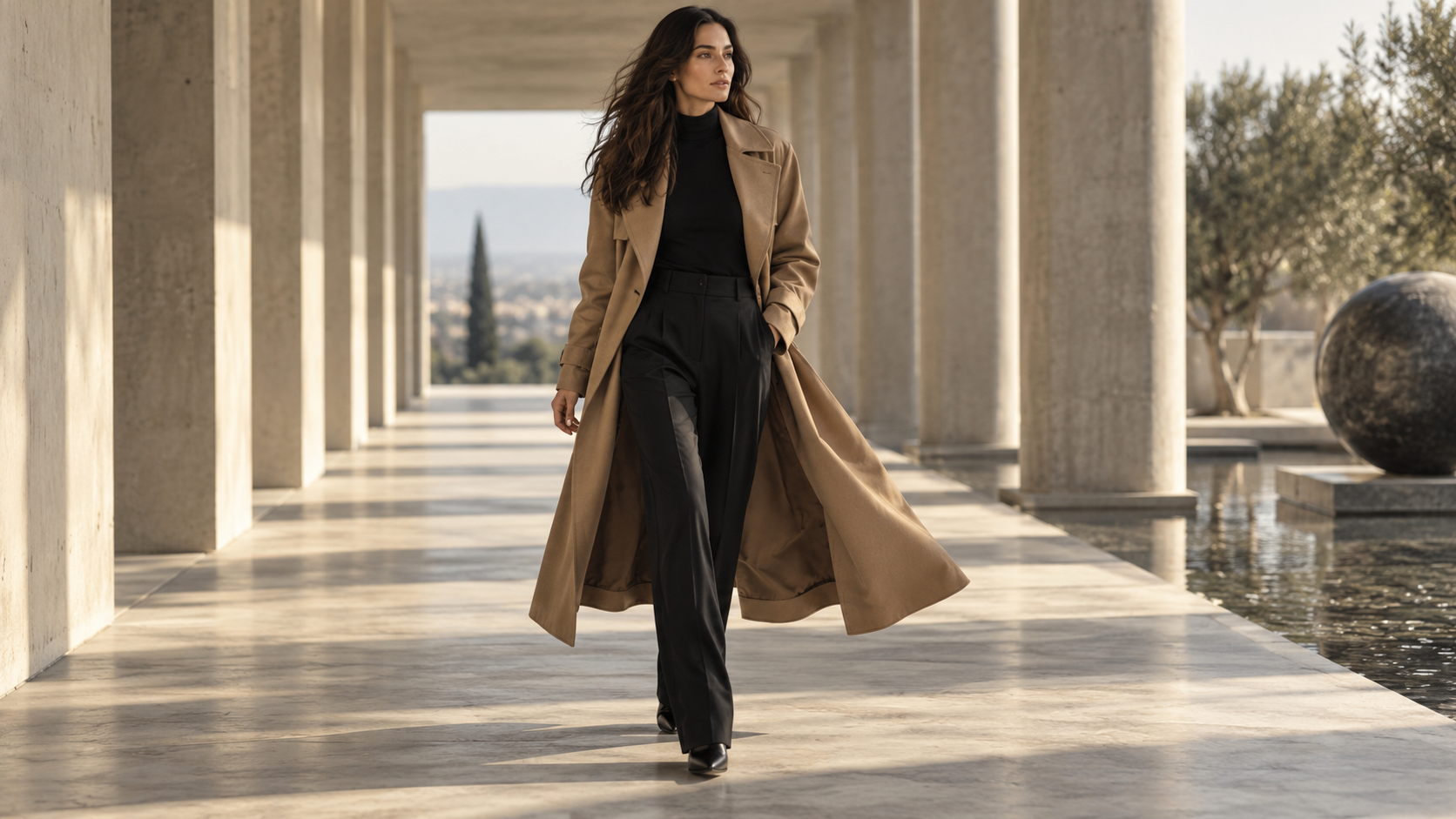
Walking
Side profile
Back view
Seated
Lapel styling
Relaxed stance

Spend less, produce more

Create studio-quality fashion shots without inflating budgets—the same professional look, minus the production overhead.

Find the face of your brand

Pick a model or create your own, and keep one face across every drop.

MULTI-ANGLE VIEWS

Every angle. The complete look.

Explore the same model and outfit from the front, sides, and back to see the fit, drape, and styling details.

  • One model, one consistent look
  • Drag to explore four viewing angles
  • High-resolution views for product pages
Explore AI models
Model in black tailoring · front viewAI MODEL · MULTI-ANGLE PREVIEW0° / 360°
Drag to change angle

Model in black tailoring · front view

From the creative community

Perspectives from different creative workflows · avatars, nicknames and reviews are illustrative examples.

A launch no longer has to wait for the next studio slot.

From a clean SKU image, the team can explore several art directions before committing to production.

Illustrative avatar for Lynn

Lynn

Independent fashion teams

The catalog finally feels like one brand, not ten separate shoots.

Products, models, lighting, and output formats stay connected instead of becoming scattered files.

Illustrative avatar for Mia

Mia

Cross-border commerce teams

We can spend the review meeting choosing ideas, not chasing assets.

Every variation stays attached to its source, making comparison and revision much easier.

Illustrative avatar for Kai

Kai

Brand creative teams

One product, several moods. We can see the direction before planning the shoot.

Try a clean studio, a street scene, or an editorial setting on the same canvas. Compare the options side by side and keep the ones that fit the collection.

Illustrative avatar for Ana

Ana

Fashion art directors

A top and a bottom can be reviewed as a complete outfit.

Use the original garment photos to explore styling combinations and discuss the complete look before preparing the next collection.

Illustrative avatar for Jun

Jun

Independent designers

The next round starts where the last one finished.

Keep source images, generated variations, and creative notes together. Return to a project and continue exploring without rebuilding the brief from scattered chat messages and downloads.

Illustrative avatar for Freya

Freya

Ecommerce content creators

From the first image to the full collection.

Monthly subscription credits for your creations. Non-expiring top-ups are available separately.

Free

Try AI product imagery

Free

20 one-time trial credits

Up to 3 standard images

  • AI art-director chat: 10 a day, 30 in total
  • All image models up to 1080
  • 500 MB storage · assets kept for 7 days
  • 1 concurrent generation
  • Dedicated try-on, model and garment swaps
  • 2K / 4K and watermark-free images
  • Premium models (GPT Image, Nano Banana)
  • Video and multi-angle views

Basic

For creators and focused launches

$4.99/ month

250 credits / month

Up to 41 standard images or 8 8-second videos

About $0.122 per standard image

  • Dedicated try-on, model, garment and background swaps
  • All image models · 2K / 4K · no watermark
  • 200 AI art-director chats a day
  • Videos and multi-angle views
  • 10 GB storage, kept while subscribed
  • 2 concurrent generations
Most popular

Pro

For frequent campaigns and collections

$14.99/ month

850 credits / month

Up to 141 standard images or 30 8-second videos

About $0.106 per standard image, 12% less than Basic

  • Everything in Basic + 360° turntables
  • 500 AI art-director chats a day
  • Batch generation and batch export
  • 50 GB storage, kept while subscribed
  • 4 concurrent generations for faster output

Professional

For brands and large catalogs

Custom

  • Custom credits and storage
  • Storage from 200 GB, by agreement
  • Contact us for team access and support

Free includes all image models up to 1080, with a WearStage watermark; the 20-credit trial is granted once after eligibility checks. Free AI chat is 10 a day and 30 in total. Basic and Pro unlock 2K/4K and watermark-free output. Video, try-on and editing use paid credits.

Counts are alternatives using the entire credit balance, not separate allowances. Standard images use Grok at 6 credits; 8-second 720p videos use 28 credits. Editing, try-on and billable chats share the same balance. Higher resolutions cost more. Failed tasks release held credits.

Image model and video duration breakdown

Standard image modelCredits / imageFree trialBasic / monthPro / month
Grok6341141
Nano Banana 27235121
GPT Image 2 / 2.58231106
Nano Banana Pro1022585
720p durationCredits / videoBasic / monthPro / month
5 seconds17.51448
8 seconds28830
10 seconds35724
15 seconds52.5416

Try-on costs 9 paid credits per garment, or 18 for a top and bottom. Free includes all image models.

Storage counts uploaded and generated files, including images, videos and 3D. Repeated canvas references add no storage; separate copies imported into projects count toward your quota. Full storage pauses new uploads and generations; downloads remain available. Download or renew within 30 days of subscription expiry. Cancellation preserves the paid period. Top-up credits never expire and do not extend storage retention.

Frequently asked questions

What is WearStage?

WearStage is an AI visual studio for fashion ecommerce. It turns product photos into on-model images, hero and white-background shots, multi-angle sets, short fashion videos, and 3D models for rigid products, all in one project.

How do clothing brands use AI for product images?

Most start with the images that cost the most to shoot: on-model photos for new arrivals, extra angles, and ad variations in several sizes. Key looks are often still photographed, then extended with AI.

Will WearStage change my original product image?

No. Your source stays untouched. Every generation is saved as a linked version, so you can explore freely and return to the original at any time.

Can it keep the product and model consistent?

Yes. Product, SKU, and model references remain attached to the project, helping you create coherent campaign variations and view sets.

What can I create?

WearStage supports on-model imagery, studio product photography, multi-angle image sets, short fashion video, and GLB models for supported rigid products.

Are my products and generated assets private?

Yes. Products, models, projects, and generated assets are private by default.

What is the difference between Free and a subscription?

Free includes all image models, 500 MB of storage, 7-day asset retention, and one concurrent generation. Eligible accounts can claim a one-time 20-credit trial. Basic and Pro unlock video and multi-angle generation, with more storage and concurrent tasks. Subscription assets are kept while the plan is active.

Should I choose Basic or Pro?

Basic suits individual creators and smaller launches, with 10 GB of storage and two concurrent generations. Pro suits frequent campaigns and larger collections, with 50 GB of storage and four concurrent generations, plus 360° sequences, 3D generation, batch image generation and batch export. See the pricing page for each plan's credit allowance.

How do credits work?

Subscription credits are issued for your selected billing period. Image, video and 3D generation use credits according to the model and settings; access depends on your plan. Trial credits cover all image models. Video, try-on, editing and billable chats require paid credits. Failed jobs automatically release held credits.

Do unused credits carry over?

Subscription credits expire at the end of the billing period and are replaced by the new allowance on renewal; unused subscription credits do not carry over. Separately purchased top-up credits do not expire, but do not unlock subscription features or extend storage retention.

Can I cancel my subscription?

You can cancel renewal through the billing portal. Cancellation does not end the period you have already paid for; your plan remains available until that period ends. Monthly, quarterly and yearly billing options are available on the pricing page.

What happens to my assets when my subscription expires?

Projects stored under a subscription become read-only after expiry. You have 30 days to download your assets or renew before those assets are reclaimed. Free assets are retained for 7 days, so download work you want to keep in advance.

Will a failed generation use my credits?

Credits are held when a task starts. If the task fails, the held credits are automatically released back to your available balance. A completed generation uses credits even if you decide not to keep the result; generating another version uses credits again.

Can I download and export my creations?

Yes. You can download generated assets and export images or artboards from the canvas. Free canvas bitmap exports are limited to 1024 px on the longest edge. Pro also supports batch export, making it easier to download a collection of assets together.
Your next product. Your next campaign.

Start with one product image. Get model shots, hero images, and video.