
Built for rigid products
Explore 3D generation for shoes, bags, jewelry, and accessories with a defined shape.
Create 3D models for rigid products such as shoes, bags, and jewelry. Start from a product reference or upload an existing GLB to bring 3D assets into your project.
Add a reference to start your first project
Explore examples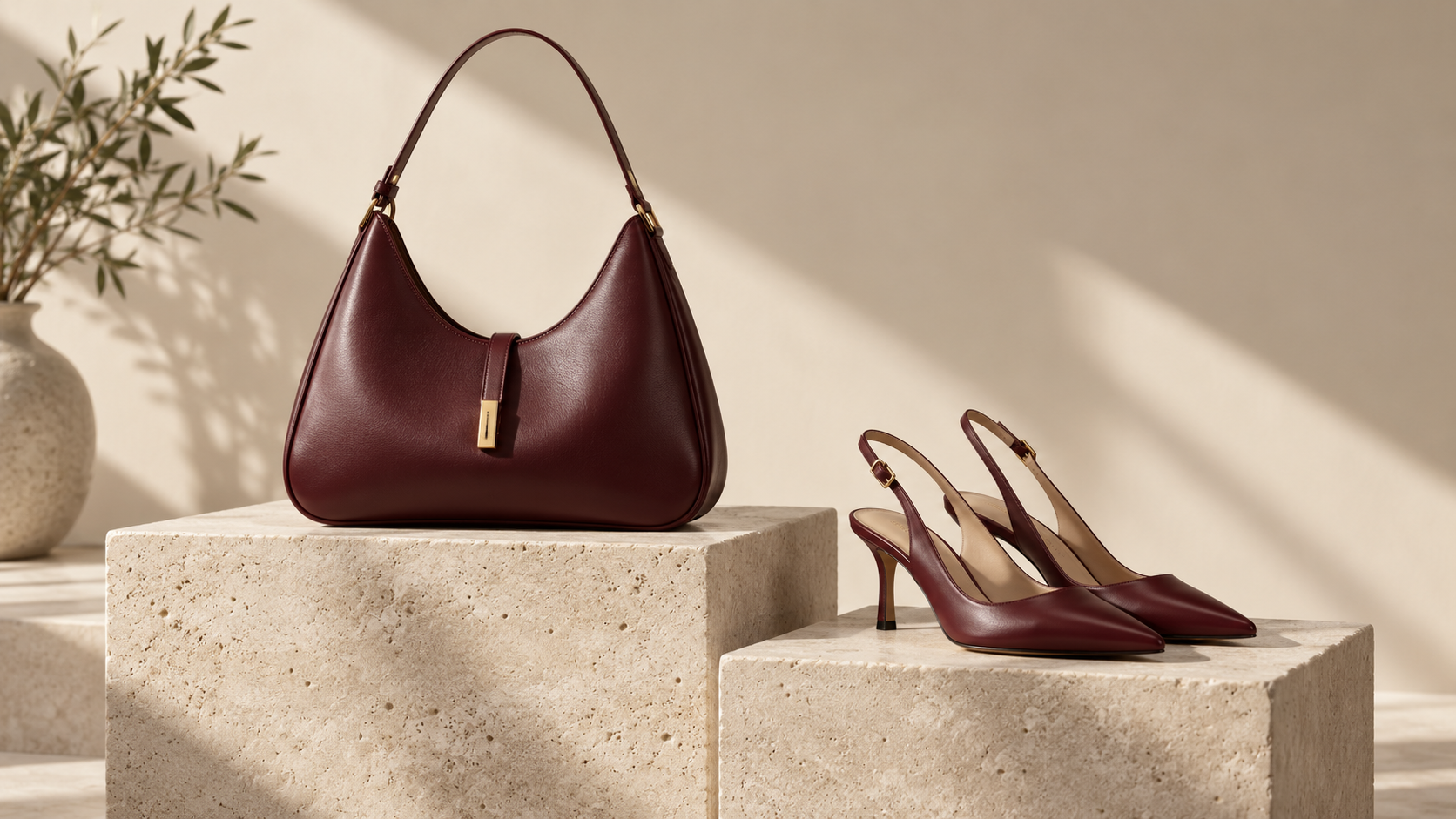
Start with your product references
Direct with a natural-language brief
Keep results together in one project
01 / VISUAL EXAMPLES
A 3D workflow begins with a clear view of the product. The image shown here is a source reference, not an interactive 3D model.
REFERENCE → 3D ASSET
Product image
A complete view of the product's shape
3D generation
Generate a visual 3D asset for a rigid product
GLB model
Review geometry and materials for presentation
02 / CREATIVE POSSIBILITIES
Explore 3D generation for shoes, bags, jewelry, and accessories with a defined shape.
Upload an existing GLB alongside product references to keep related assets together.
Inspect generated geometry and surface appearance before using the model in commerce.
Use a complete, well-lit view with minimal occlusion, or an existing GLB file.
Start a project, add your reference, and request a rigid-product 3D model.
Review the shape and materials, then prepare the asset for your intended viewer.
04 / FAQ
About references, generated results, and getting started.
This workflow focuses on rigid products. For garments, use multi-angle imagery to present fit and silhouette.
Generated models are visual assets, not precision CAD. Verify dimensions separately if your use case requires measurement.
Yes. GLB files can be uploaded into a project. Check the target viewer's requirements before publishing.
For rigid products such as shoes, bags, and jewelry, one clear and complete reference is enough to start. Sides the photo does not show are inferred, so inspect the model from every angle.
The result is a GLB model in your project. Whether it can appear on a product page depends on your store platform and 3D viewer, so check their format and file-size requirements first.
Images, videos, and 3D use credits. Check the studio's estimated credit cost and pricing before starting a generation.
YOUR NEXT CREATION
Bring your references into WearStage and turn your creative direction into visuals you can review and refine.