
Build on the chosen look
Use the model image you already selected as the starting frame.
Turn your selected on-model image into a short fashion video. Describe a walk, a gentle turn, or subtle movement to bring your collection into motion.
Add a reference to start your first project
Explore examples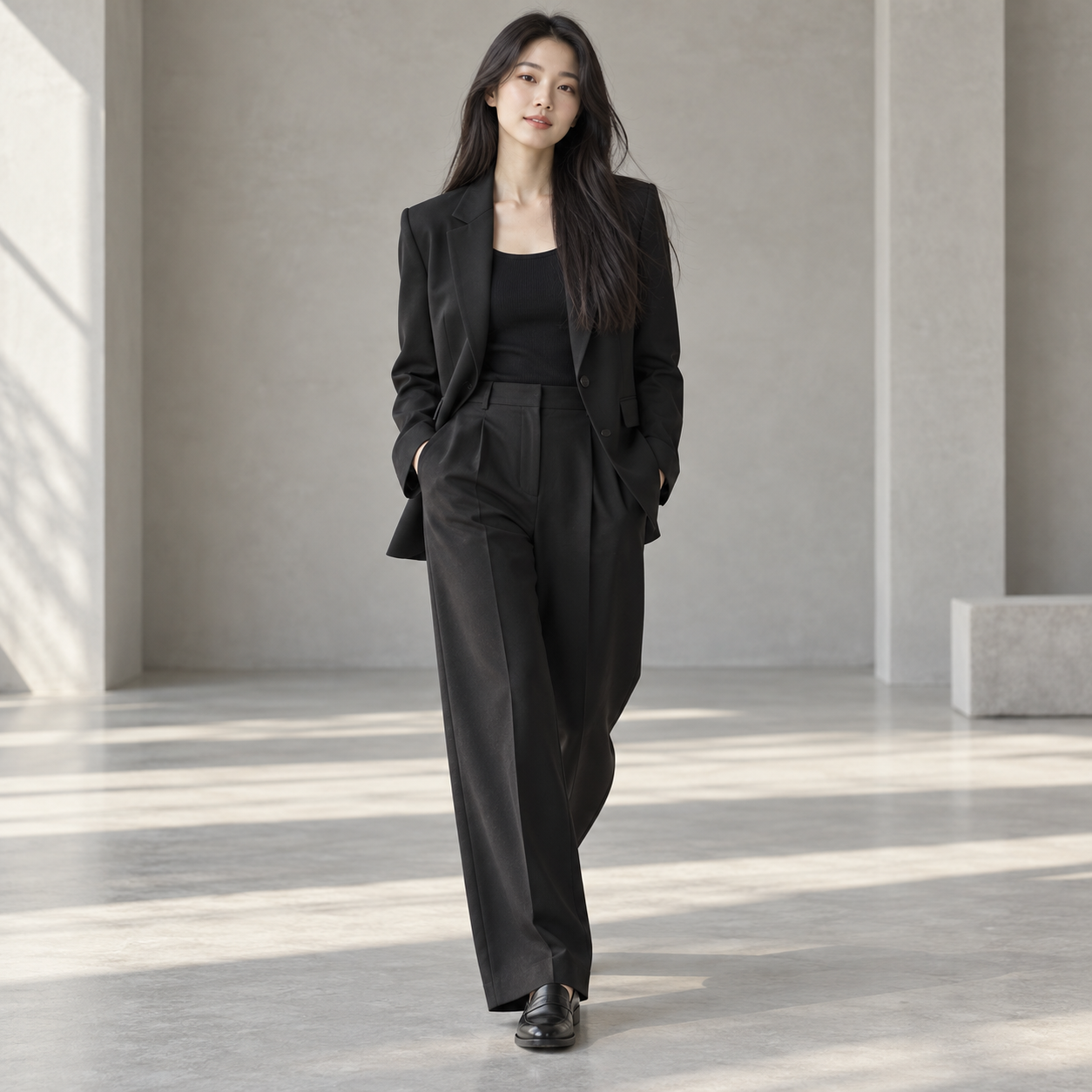
Start with your product references
Direct with a natural-language brief
Keep results together in one project
01 / VISUAL EXAMPLES
Illustrative fashion storyboard. Start with restrained movement and a clear camera brief, then review the generated motion against your source look.
SHOT 01
A steady opening frame establishes the silhouette.
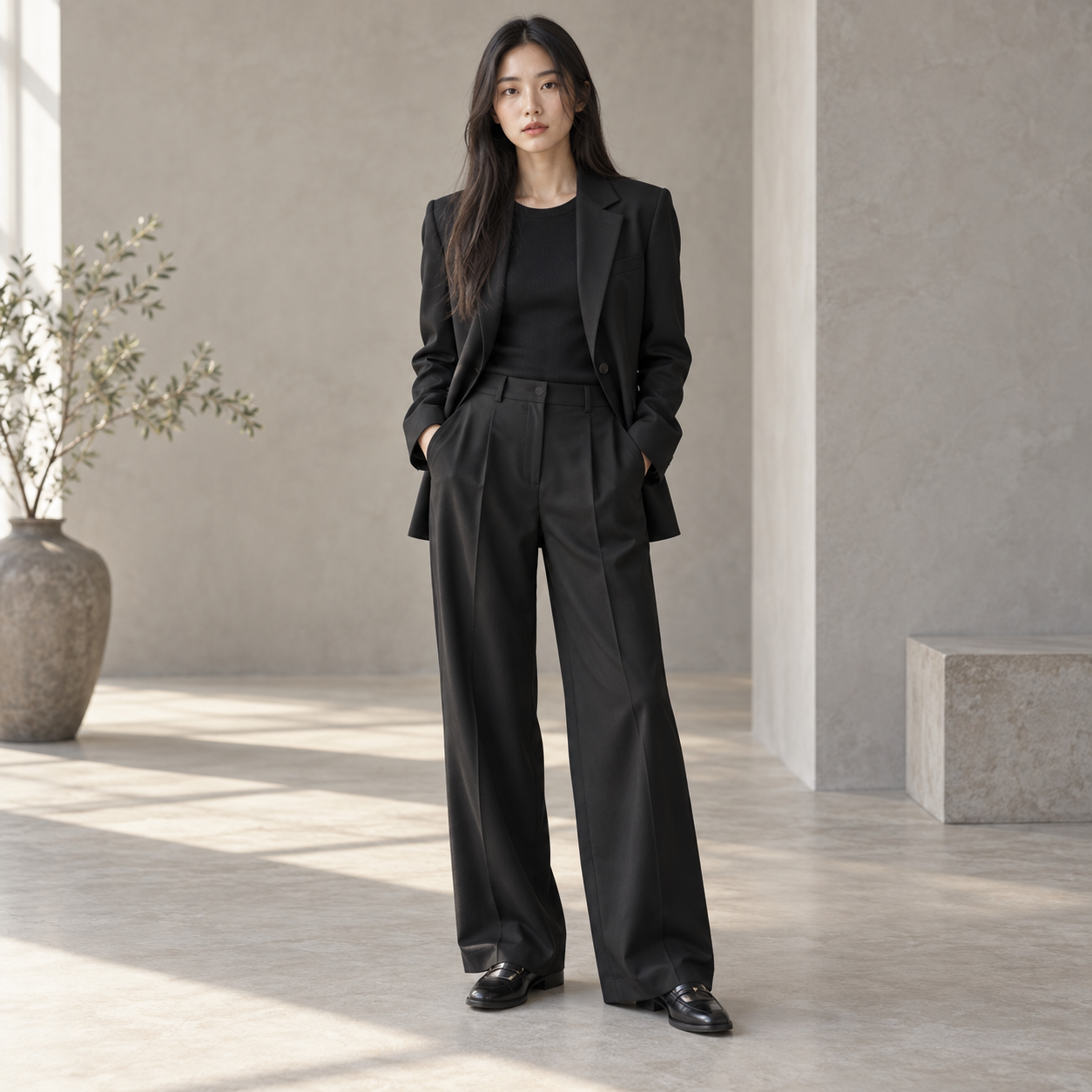
SHOT 02
Describe a restrained walk to introduce movement.
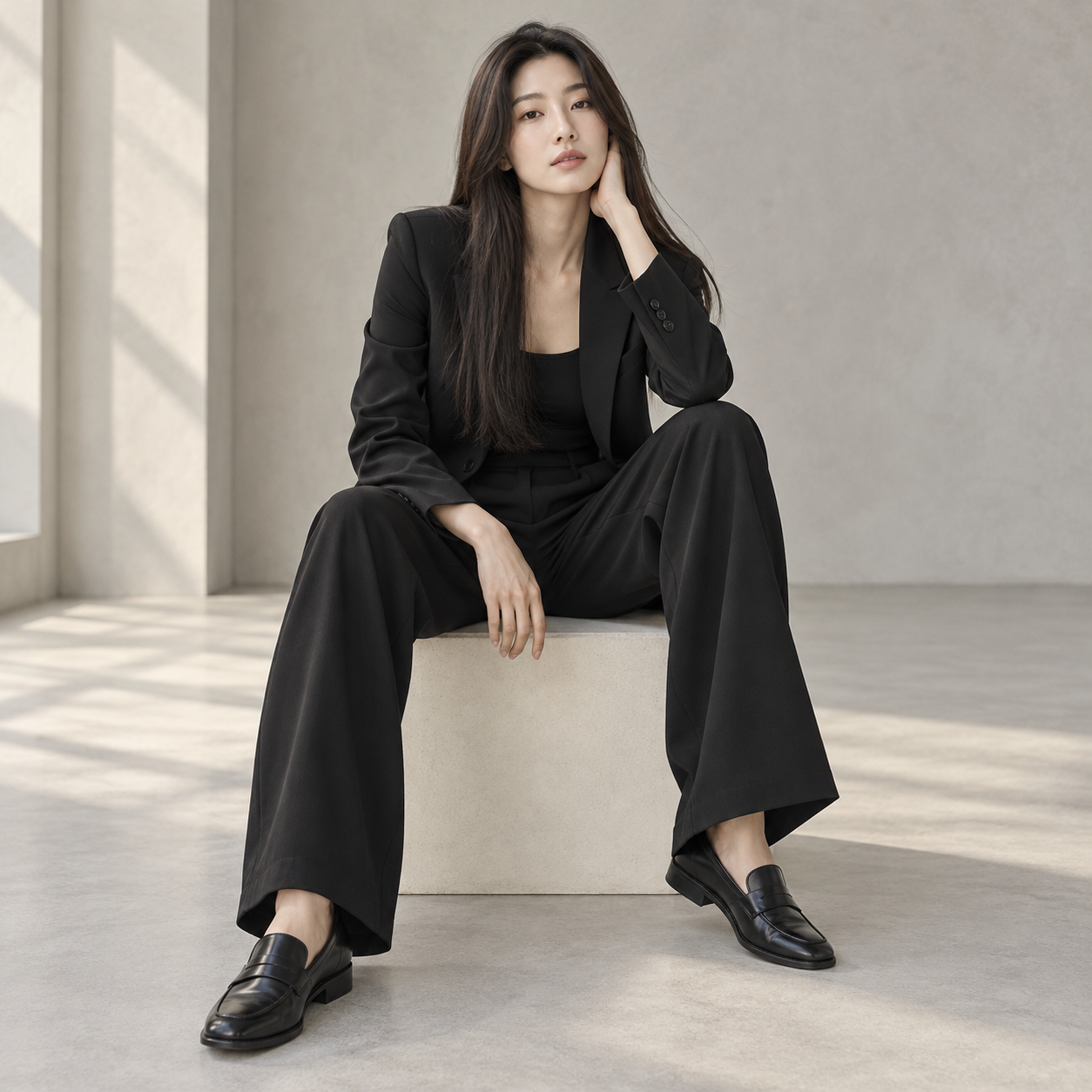
SHOT 03
An alternate shot direction: a seated, relaxed pose.
Still images illustrate creative directions, not consecutive video frames. Actual motion depends on the generated result.
02 / CREATIVE POSSIBILITIES
Use the model image you already selected as the starting frame.
Describe movement, expression, and camera direction together in your brief.
Compare the clip with the source image to review silhouette and styling.
Use a sharp source image with a clear outfit and natural pose.
Open the video action and specify a slow walk, turn, or subtle movement.
Review faces, hands, garment details, and continuity before exporting.
04 / FAQ
About references, generated results, and getting started.
The starting point is an on-model image and the brief focuses on the person's movement. Commerce video can start with a product-only scene and focus on camera motion.
Results depend on the model and source. Begin with small, natural movements; large turns or occlusion can introduce visual changes.
Yes. The generated video is linked to its source image so you can revisit the look and create another version.
Yes. Start from an on-model image and describe the motion, such as a turn, a few steps, or a walk toward the camera. Simple, continuous motion keeps the garment most consistent.
Ask for slow movement that lets the fabric respond, like a half turn or a gentle walk, and keep the camera steady. Check the fabric behavior in the result before using it.
Images, videos, and 3D use credits. Check the studio's estimated credit cost and pricing before starting a generation.
YOUR NEXT CREATION
Bring your references into WearStage and turn your creative direction into visuals you can review and refine.